4. Regeneration program
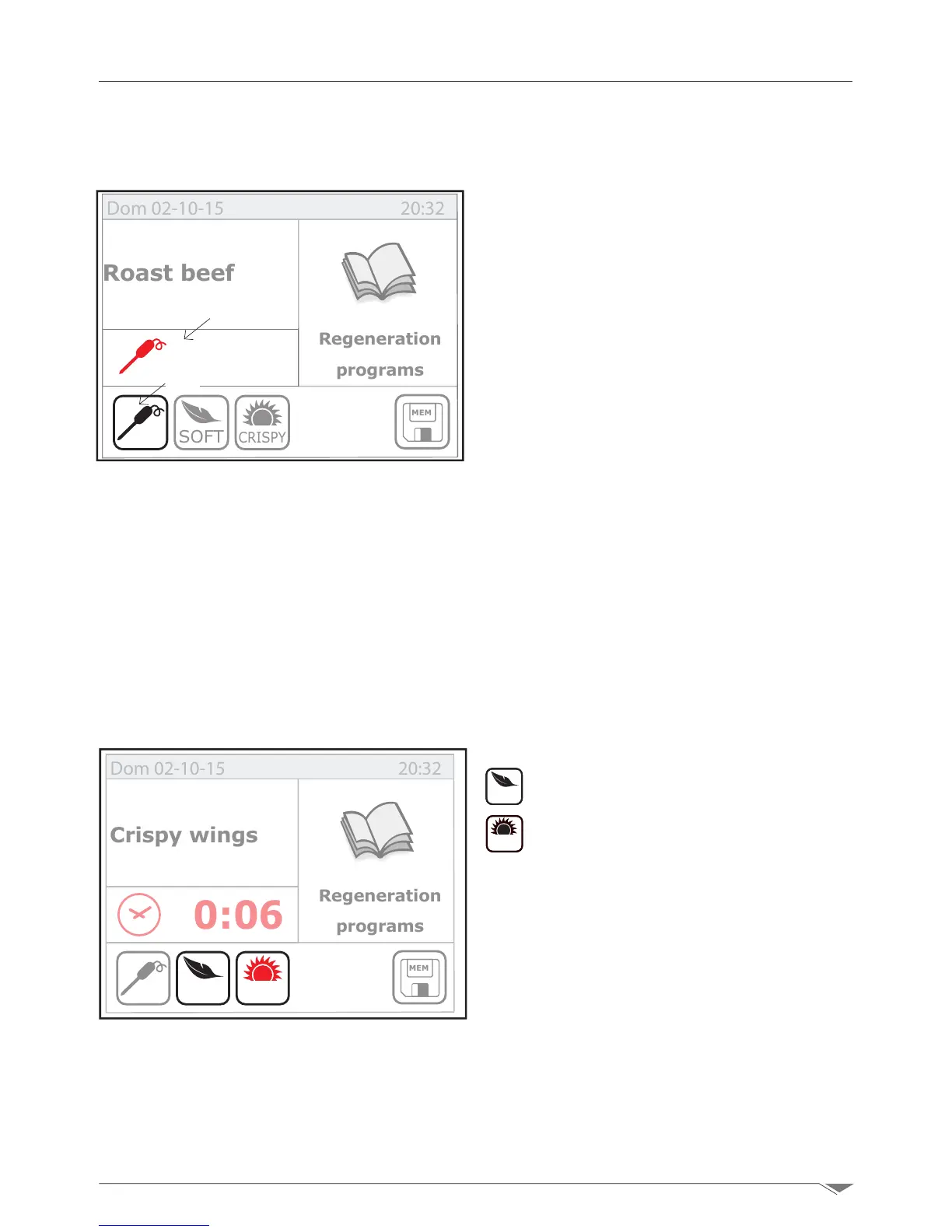
4.3. Set the regeneration with probe at the core
Access the main page and enter the regenera-
tion program.
Select the pin probe function by pressing the
key R2 g. 41. The program will automatically
proposeanalcoretemperatureof60°.
YOU can change the core regeneration tem-
perature by pressing the key R1 (g. 41) and
turn the dial M.Conrmtheselectedvalueby
pressing the dial M.
Now press the Start button (S2 g. 9 page
9)tostarttheprogram.
i Wait for the initial pre-heating phase
to complete and then load the oven.
4.4. Special regeneration functions
To set the Soft or Crispy regeneration, pro-
ceed as described in sections 4.2 e 4.3 . to
set the time or core temperature and click the
button:
SOFT
Soft: for soft regeneration
CRISPY
Crispy: for crispy regeneration.
When a function is selected, the button turns
red.
Note: each function disables the other func-
tions. For example, you cannot regenerate
food with the function Soft, Crispy or Nor-
male simultaneously.
Now press the Start button (T2 g. 9 page
9)tostarttheprogram.
i Wait for the initial pre-heating
phase to complete and then load the oven.
CRISPY
SOFT
Dom 02-10-15 20:32
MEM
60°
Roast beef
Regeneration
programs
0:06
CRISPY
SOFT
Dom 02-10-15 20:32
MEM
Crispy wings
Regeneration
programs
g. 41
g. 42
R2
R1



 To Next Page