2. General instructions for use
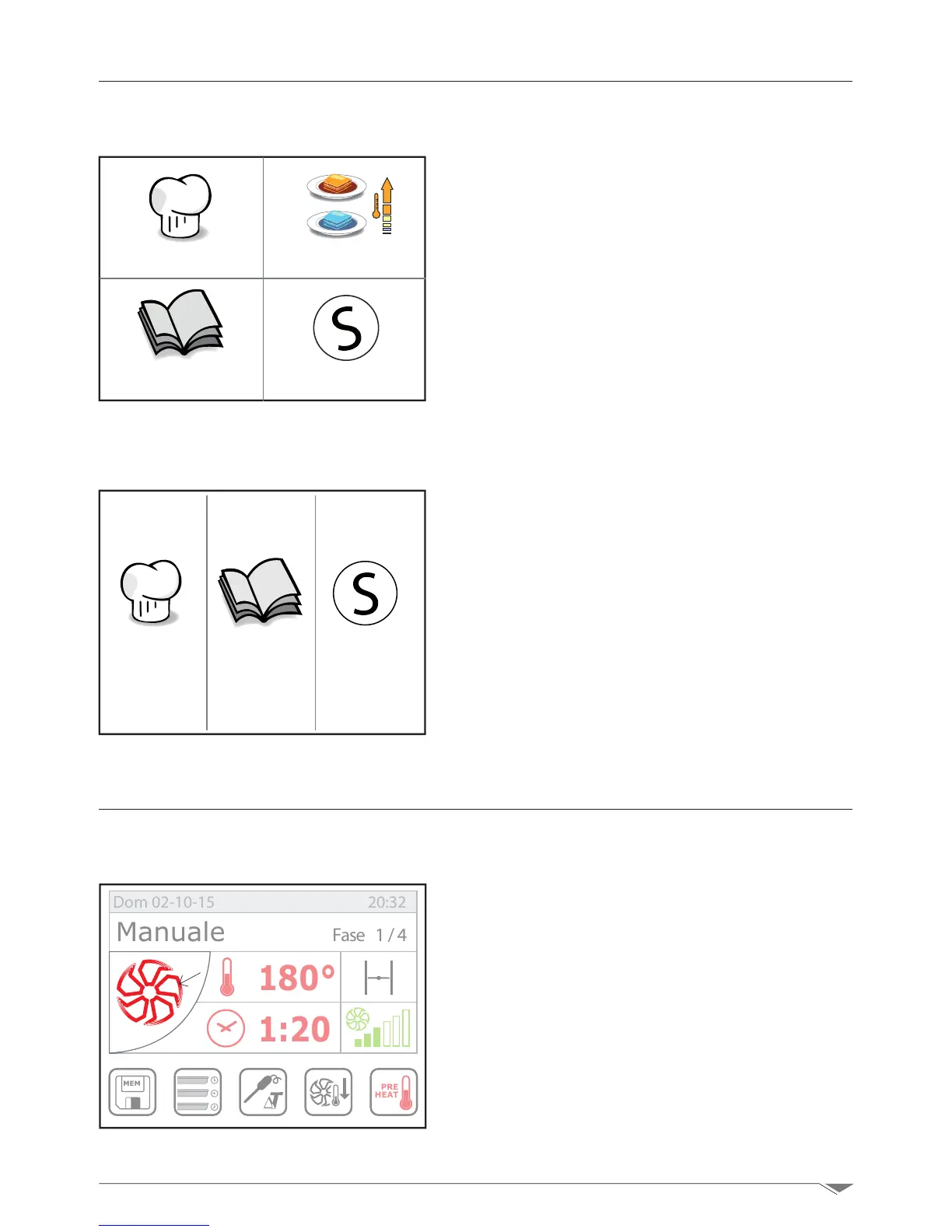
2.3.1 Main menu of high efciency ovens with boiler: KH.....
After turning on the oven by pressing the
button T1 on display appears the main menu
(g. 10) where you can choose whether
to proceed with the manual programming
of the cooking (manual cooking), saved
cooking programs (recipes), pot or tray
regeneration programs (regeneration) or
acess the Service menu.
To access any of the above functions, select
on the touch screen the desired unction by
pressing on it.
2.3.2 Main menu for ovens with direct steam: KT.....
After turning on the oven by pressing the
button T1 on display appears the main
menu (g. 11) where you can choose
whether to proceed with the manual pro-
gramming of the cooking (manual cook-
ing), saved cooking programs (recipes),or
acess the Service menu.
To access any of the above functions, select
on the touch screen the desired unction by
pressing on it.
Once you have accessed the manual setup
you can start dening the cooking param-
eters such as: cooking mode, ventilation,
time, moisture, etc.
By pressing the icon S1 once, a pop-up win-
dow will be displayed (g. 13)showingthe
cooking modes available:
a:CONVECTION(cookingwithhotaironly)
b: COMBI (mixed cooking - convection/
steam)
3. Manual setup
3.1. Cooking mode selection
Cottura manuale Rigenerazione
Ricette Service
g. 10
g. 11
g. 12
Cottura
manuale
Ricette Service
MEM
PRE
HEAT
180°
1:20
Manuale Fase 1/4
Dom 02-10-15 20:32
S1



 To Next Page