3. Manual setup
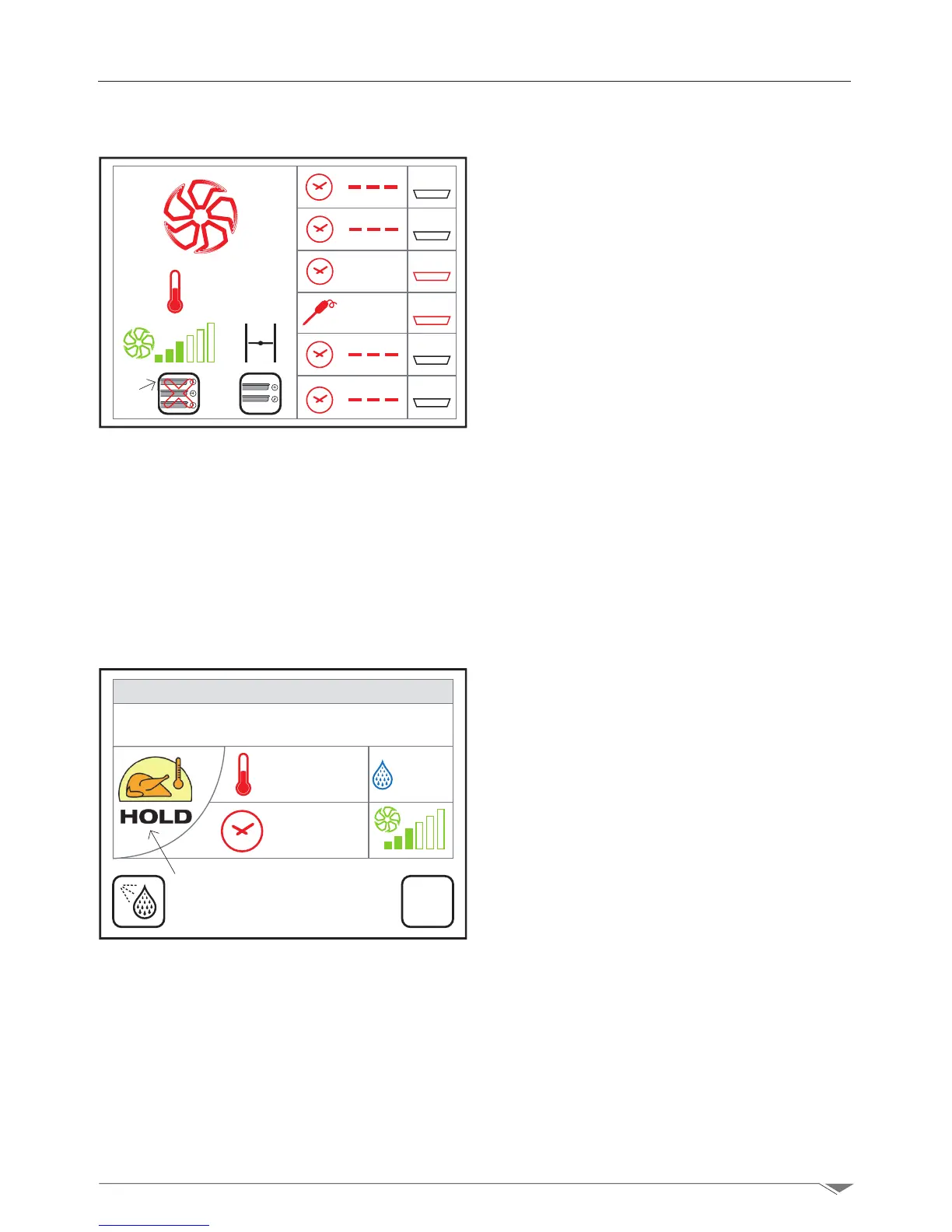
3.10. Multilevel cooking with RACK CONTROL
3.11. Maintenance
can open the oven door and remove the pan
and close the door. The relevant level will reset
automatically.
Note: when a level is completed and the writ-
ing END appears on the relative level, the
oven does not enter the Stop mode, but
continues the set cooking cycle.
To exit the RACK CONTROL mode, press the
key S12 g. 30 for 3 seconds.
Note: the values of the various levels in RACK
CONTROL mode cannot be memorized; how-
ever, in the case you exit this module by ac-
cident, you can access it again (without chang-
ing the cooking parameters) by pressing the
button S7 g. 27 page 19 and without losing
the parameters set for the various levels.
The HOLD function keeps the food hot upon
cooking cycle completion.
For example, at the end of a night-time cook-
ing cycle, the products are kept at a safe tem-
perature until the operator returns into the
kitchen.
Set the hold mode by pressing the cooking
mode button S1 g. 31 and select the hold
icon d.
Thensetthetemperature(upto120°C)and
the relative humidity.
Note: in order to ensure proper hygienic pres-
ervation of the products, we recommend you
keep the latter above 60°C and, however, in
compliance with local health and sanitary
regulations.
It is also recommended to set a maintenance
moisture between 20 and 30% for cooking
roasts and between 90 and 100% for casse-
role cooking.
230°
START
ALL
5
6
4
3
2
1
0:01
END
SET
80%
180°
INF
Fase 4/4
Dom 02-10-15 20:32
g. 30
S12
S1
g. 31
Roast



 To Next Page