5. Recipe Menu
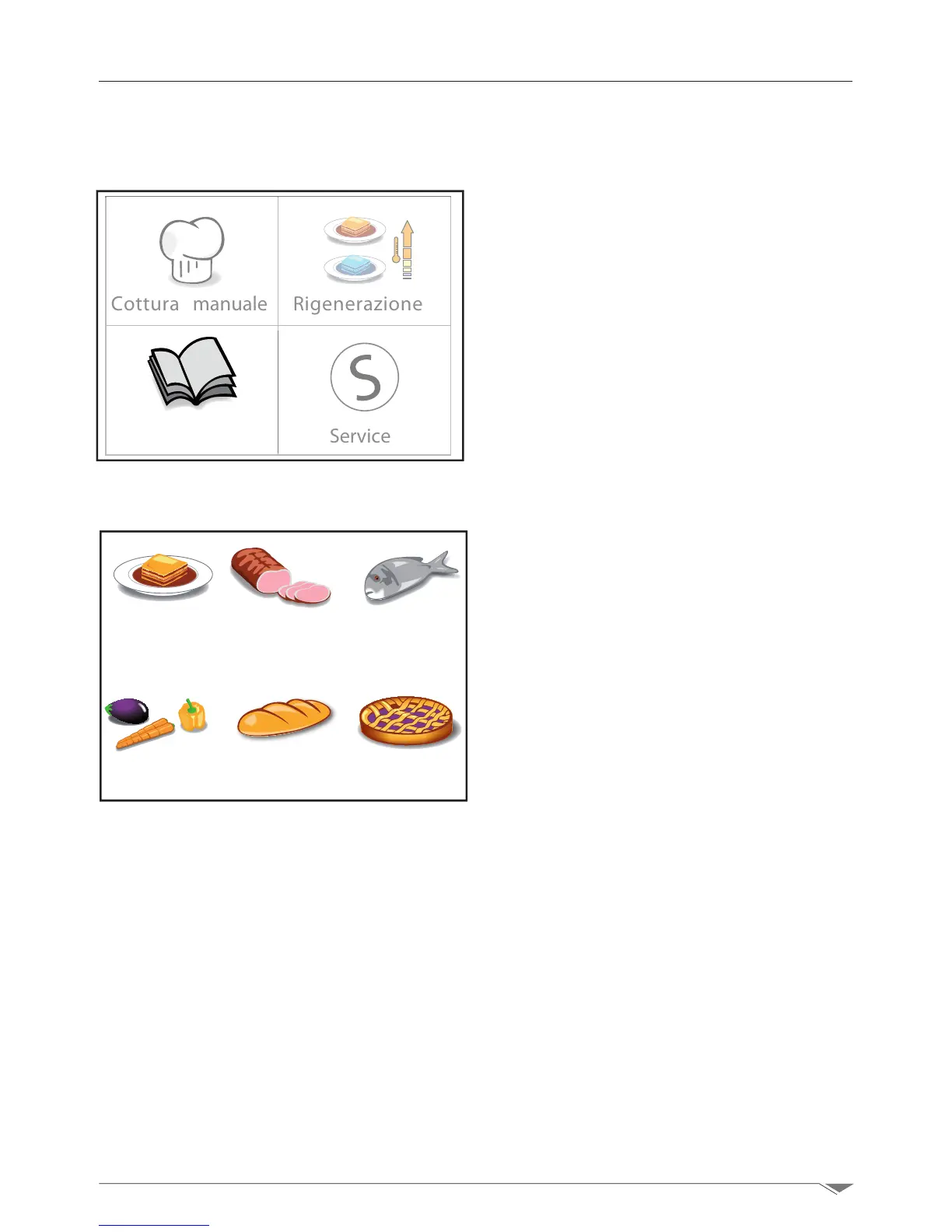
5.1. How to navigate through the recipe menu
Cottura manuale Rigenerazione
Ricette Service
The recipe menu gives you access to the
cooking programs stored in the memory of
the oven.
Select the recipe menu from the main page.
Select the reference group (g. 47),forex-
ample meat, if you wish to make a roast, and
then choose the desired program by turn-
ing the dial clockwise to reach the desired
program. The clockwise or counterclockwise
rotation of the dial moves the cursor, high-
lighting the selected program in black.
Conrm the selected value by pressing the
dial M.
Now start the cooking program by pressing
Start.
YOU can create a new recipe directly from
the recipe menu:
Enter the desired group (g. 47)and turn
the dial M clockwise until you reach the last
option: New recipe.
Then enter the name of the program and
press“End”.
Set the cooking parameters following the
steps given in chapter 3.
After programming, you must save the pro-
gram as described in section 3.15.
Pane
Primi
Carne
Dolci
Verdura
Pesce
g. 46
g. 47



 To Next Page