32
6. Service Menu
6.3. Date and time
The Date and time functions enables ad-
justing the time and date on oven's display.
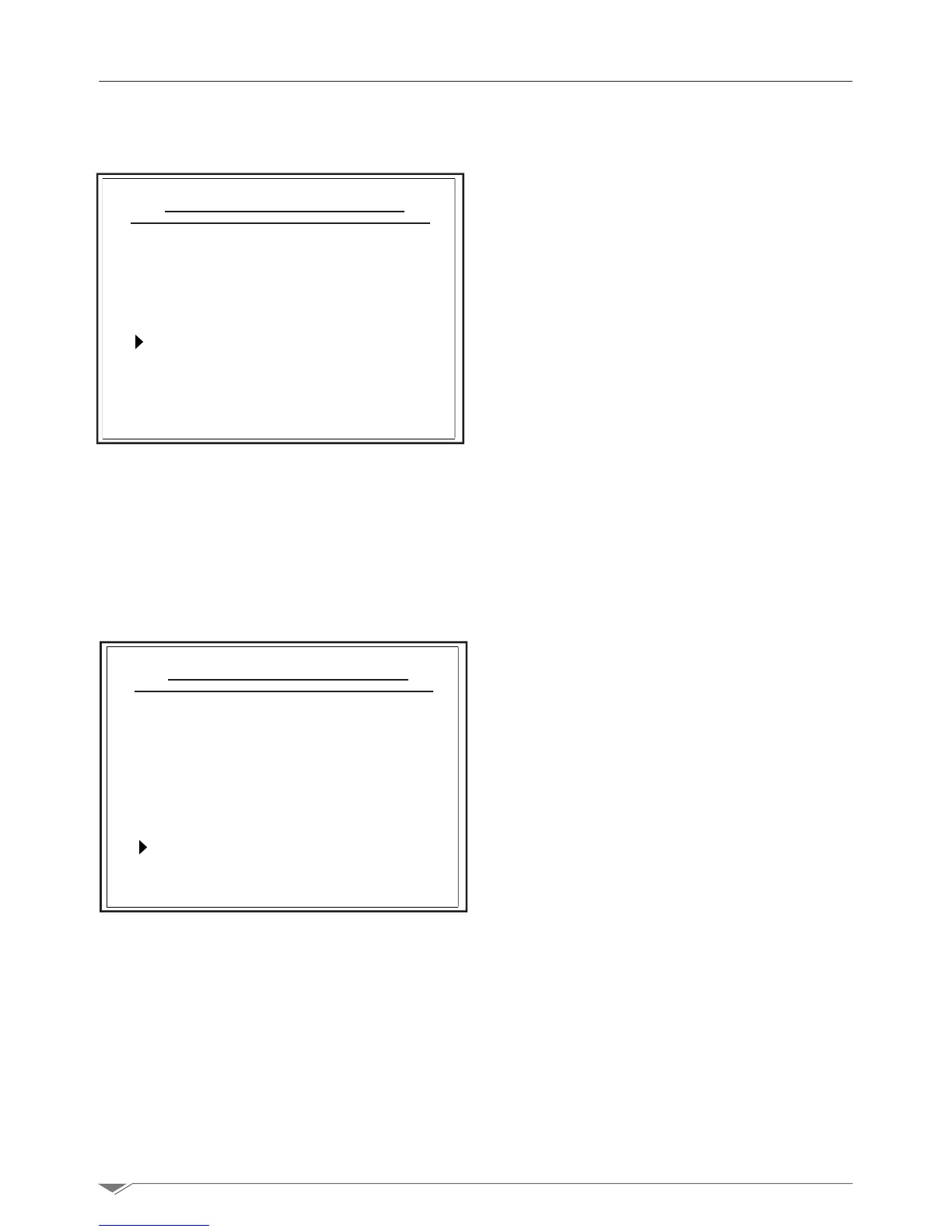
Access this function from the Service >
Date and time menu and set the values us-
ing the dial M; turn it clockwise and counter-
clockwise to access the various options (day,
month, year, hour, minutes),selectthede-
sired option using the dial M and change the
value turning the dial. Press the dial to con-
rm.
Once you have set the value, press Menu or
Esc to return to the main page.
YOU can adjust the duration of lighting in the
cooking chamber using the option Param-
eters in Service menu.
Press the dial on the option Parameters
rst and then conrm (without having set
anypassword)bypressingthedial.
The oven will display the relative parameter
with the current lighting time in seconds. Set
the time from 0 to 225 seconds.
Note: If you set the value to 254 seconds,
the light will turn on when you press Start
and will turn off upon cooking cycle comple-
tion.
6.4. Adjust the duration of lighting in the cooking chamber
Service function
Washing
Descaling
Date and time
Parameters
Backlight
Service function
Washing
Descaling
Date and time
Parameters
Backlight
g. 53
g. 54



 To Next Page