3. Manual setup
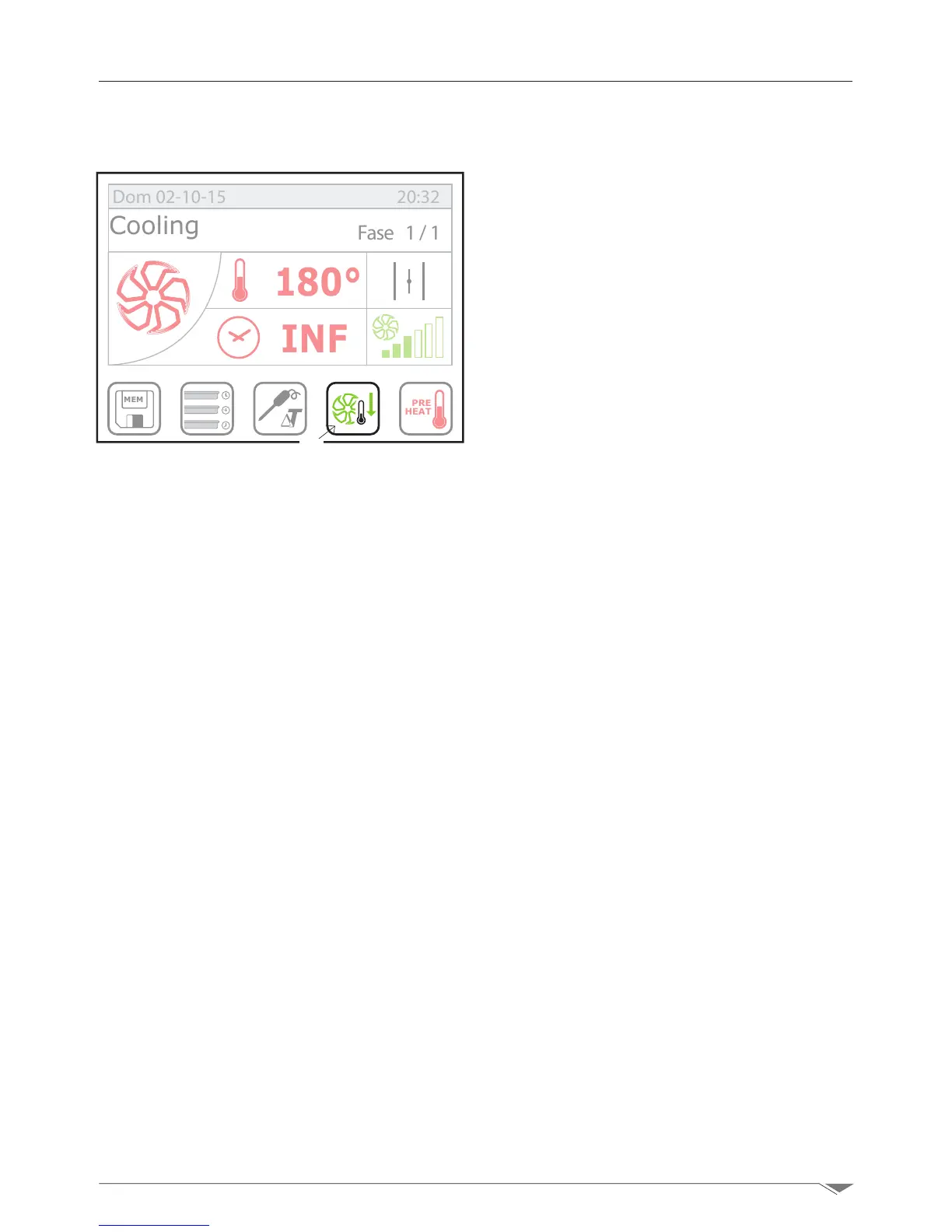
3.13. Manual cooling of the cooking chamber
The cooling function allows the operator to
quickly reduce the temperature in the cook-
ing chamber.
To run a cooling cycle in the cooking cham-
ber, the oven shoud be set to Stop mode.
Select the cooling key (S9 g. 35), press
Start (T2 page 9)andopenthedoor.
Note: for safety reasons, the cooling
function can be enabled only with the
door close. The door can be opened only
after having pressed the Start button.
By default, the oven sets a cooling tem-
perature up to 50 ° C inside the cooking
chamber;HOWEVER, you can set a differ-
ent value following the procedure described
in the cooking temperature setting section
(page 14).
Upon reaching the cooking temperature, the
oven stops cooling and emits an acoustic
signal.
MEM
PRE
HEAT
180°
INF
Fase 1/1
Dom 02-10-15 20:32
Cooling
g. 35
S9



 To Next Page