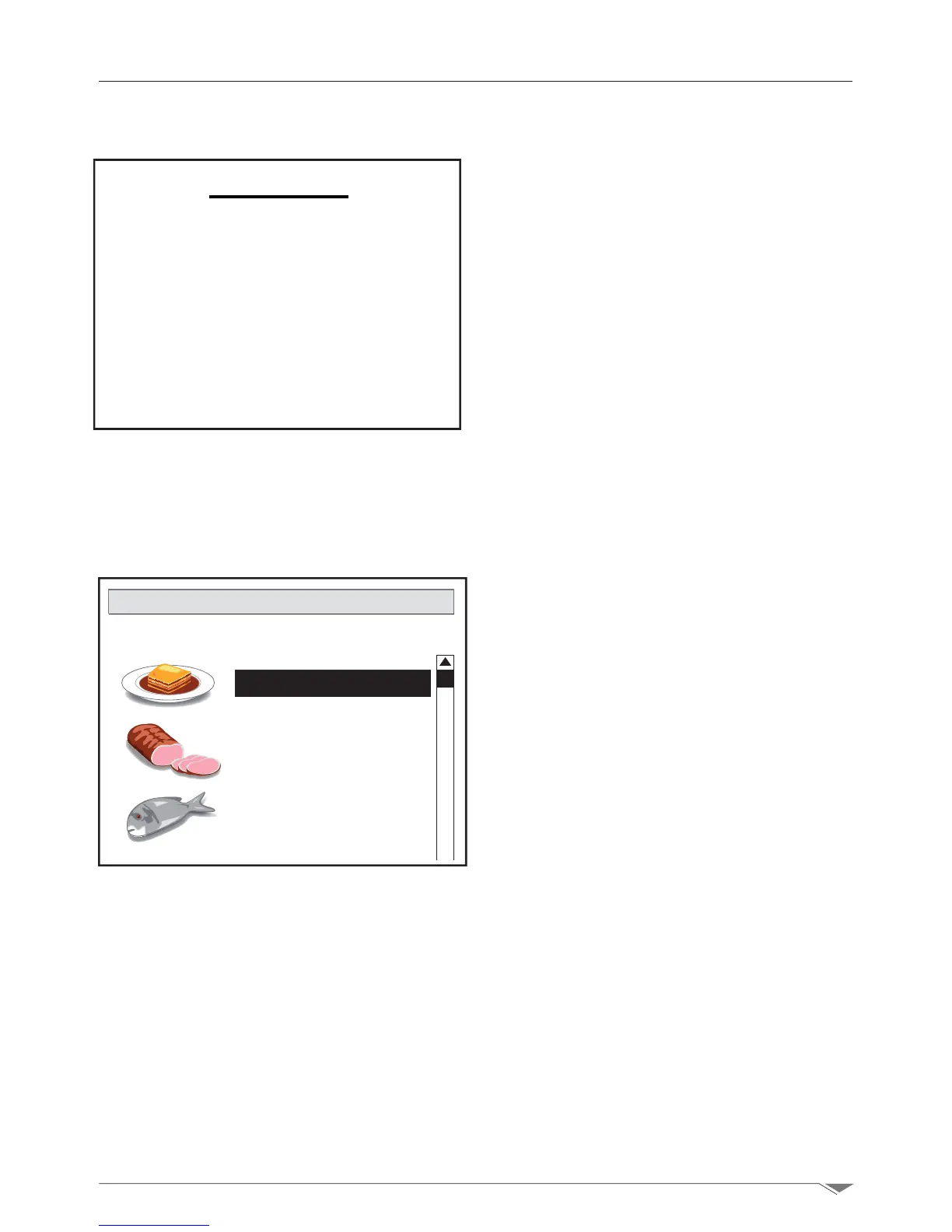
From the recipe management menu you can
perform actions such as:
Copy: copy the recipe
Rename: change the name of the recipe
Delete: delete a part or the entire recipe.
To delete the stored program go to the phase
from which you intend to delete, enter the
recipe management menu (S6 g. 37 pag.
23) and select the option: Delete.
Note: the part of the program will be
deleted starting from the selected
phase, together with the next phases.
For example, if a program has 7 phases and
you delete phase 3, the following phases: 4,
5, 6 and 7 will be deleted as well.
If you want to delete the whole program,
delete the phase 1, and all the phases will
be deleted.
Note: when attempting to delete an entire
cooking program, a conrmation pop-up
window is displayed to avoid deleting the
program unintentionally. Select Yes to
conrmorNo to cancel.
3. Manual setup
3.15. Memorizing and managing the recipes



 To Next Page