392616/B
35
aDependingonitsphysicalproperties,installthecomputerinsideaconsole,in
acabinetor19”rack,oronadesk.
bChooseapositiontottheavailablecablelengthsbetweenthecomputerand
theotherunitsitconnectsto.
cObservethecompasssafedistance.
dMakesurethatenoughspaceismadeavailableformaintenancepurposes.
eMakesurethatadequateventilationisavailabletoavoidoverheating.
fMakesurethattheinstallationmethodallowsforthephysicalvibration,
movementsandforcesnormallyexperiencedonavessel.
Note
Inordertoallowforfuturemaintenance,werecommendtomounttheunitwithits
cablesandconnectorsavailableforeasyaccess.
3Makesurethatthechosenlocationmeetstheinstallationrequirements.
4Provideamplespacearoundthecomputer.
Youmustbeabletoreachandusethefrontandrearmountedconnectorsand
devices.Itisalsoimportantthatyouallowforeasyaccesstoallthecables,and
enoughspaceforinspection,maintenanceandpartsreplacement.Ifrelevant,make
surethatthespaceallowsyoutoopenthecomputerforunobstructedaccessto
itsinternalparts.
Note
Makesurethatyoucanaccessboththerearandfrontsideofthecomputerafterit
hasbeeninstalled.
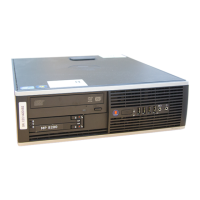
5Installthecomputer.
Observetheapplicabledocumentationprovidedbythemanufacturer.
6Connectthecables.
Note
Whenyouconnectthecables,makesurethattheyareallproperlysecured,andable
towithstandthevibrationandmovementsofthevessel.
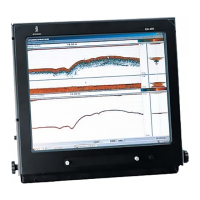
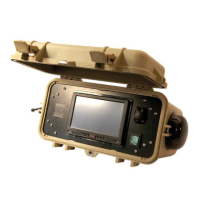
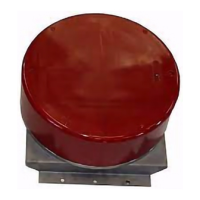
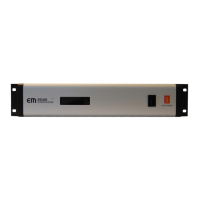
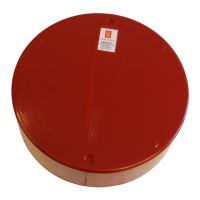
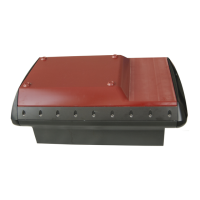
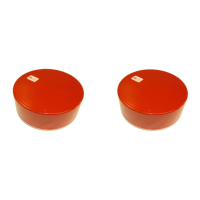
InstallingtheEA440hardwareunits




 To Next Page