101
Explanation
Setting Initialization
The set measurement conditions can be initialized to the factory default settings by following the
procedure below.
* Factory default setting:
* Synchronization method : INT SYNC 59.94 Hz * Measurement speed : NORMAL
* Color matching function :
CIE1931 (2°)
IN-ND: AUTO
* Color space mode : L
v
xy * Display Format : ****.**** [F]
* Accessories (ACC) :
NONE
* Backlight during
measurement
: ON
* RS-232C communication
baud rate
: 115200bps
Operating Procedure
1
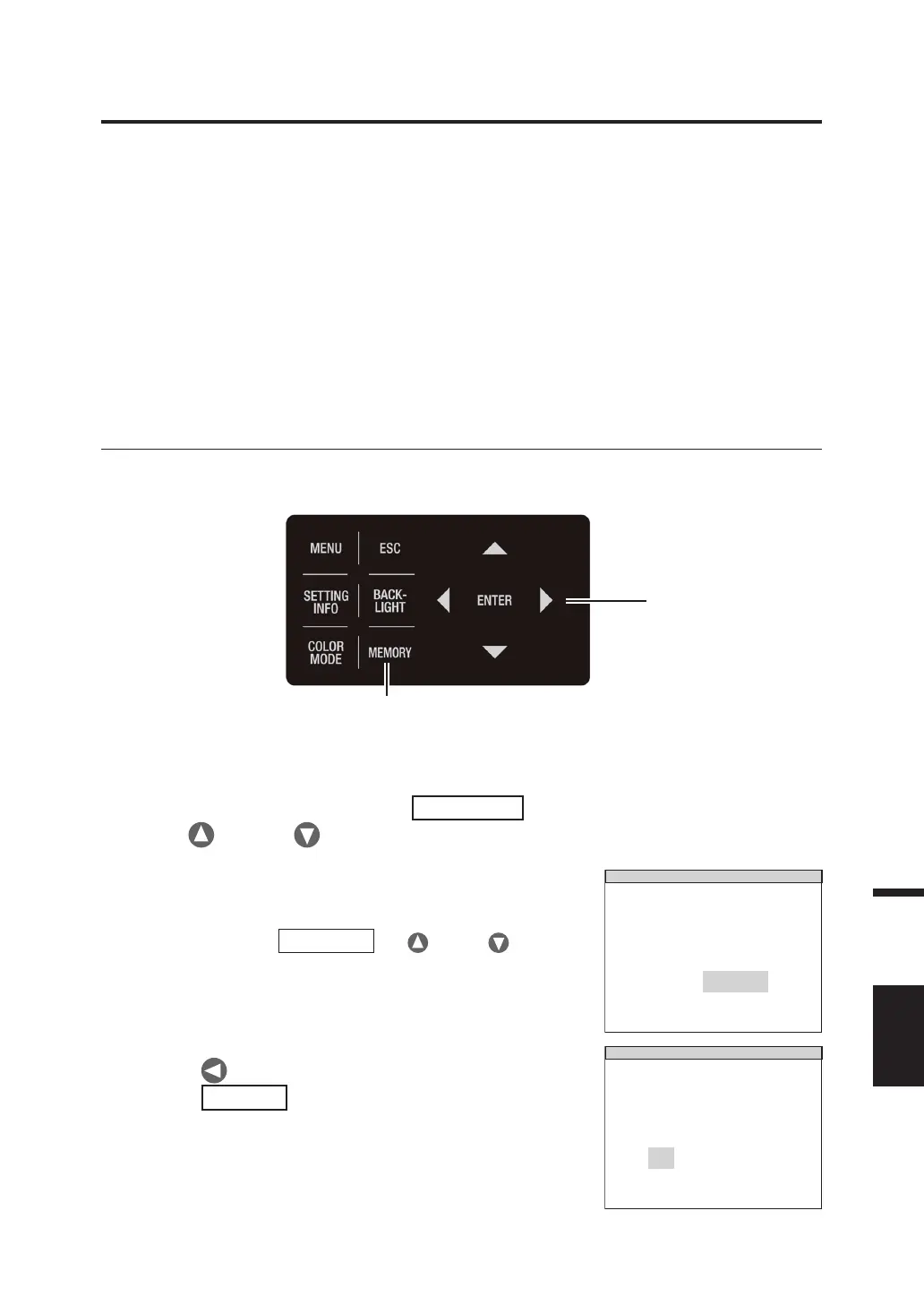
1. When the power switch is OFF (O), turn it
to ON ( | ) while pressing the
MEMORY
key, key and key simultaneously.
The INITIALIZE SETTINGS (for confirming setting
initialization) screen appears approx. 5 seconds after
the initial screen is displayed on the LCD.
Continue pressing
MEMORY
key, key and
key until the INITIALIZE SETTINGS screen appears.
INITIALIZE SETTINGS
RESET
OK CANCEL
ALL SETTINGS ?
2. Press key to select [OK], and then
press
ENTER
key.
The various measurement conditions that have been
set are initialized, and the MEAS screen appears on
the LCD.
RESET
OK CANCEL
ALL SETTINGS ?
1, 2



 To Next Page
 Loading...









