68
Setting
3. Press
ESC
key.
The MENU screen appears again on the LCD.
4. Press
ESC
key.
The MEAS screen appears again on the LCD.
Checking Main Unit Information
Operating Procedure
1
3, 4
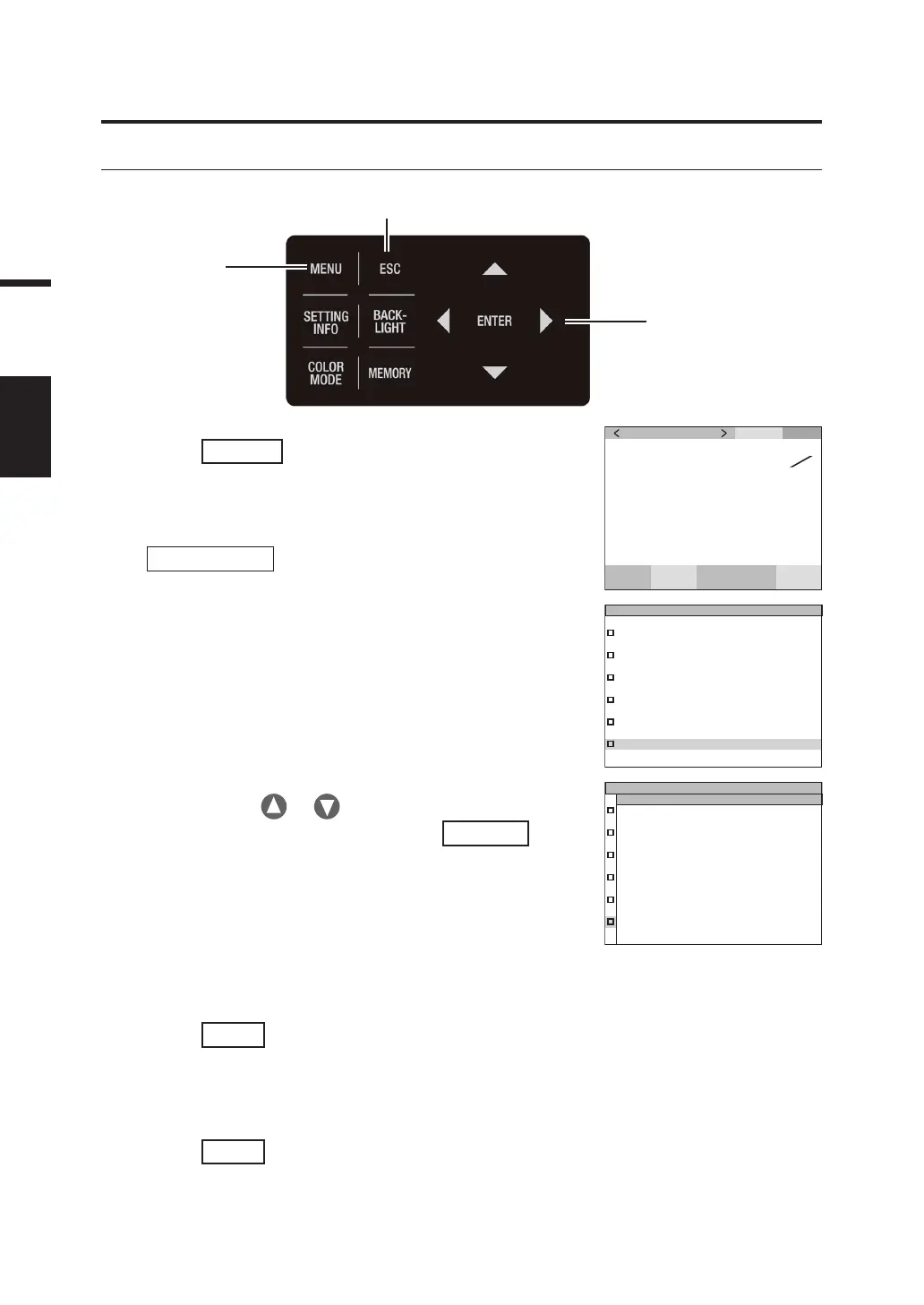
1. Press
MENU
key when the MEAS screen
is displayed.
The MENU screen appears on the LCD.
When the backlight of the LCD has been turned off via
BACKLIGHT
key on the MEAS screen, the
backlight is turned on.
SPD
CMF
SYN
[
Hz
]
ACC
cd
m
2
Lv
x
y
MEAS
MEMORY
OPTION
SETUP
DARK MEASUREMENT
INFORMATION
2
2. Press either or key to select
[INFORMATION] and then press
ENTER
key.
The MENU - INFORMATION screen appears on the
LCD.
Information such as product name, main unit version,
and serial number can be checked.
KONICA MINOLTA, INC.
(C)2021
SPECTRORADIOMETER
CS-3000HDR
S/N 3000104
VER.1.00.0000
INFORMATION
Instrument information such as product name, main unit version, and serial number can be checked.



 To Next Page
 Loading...









