17
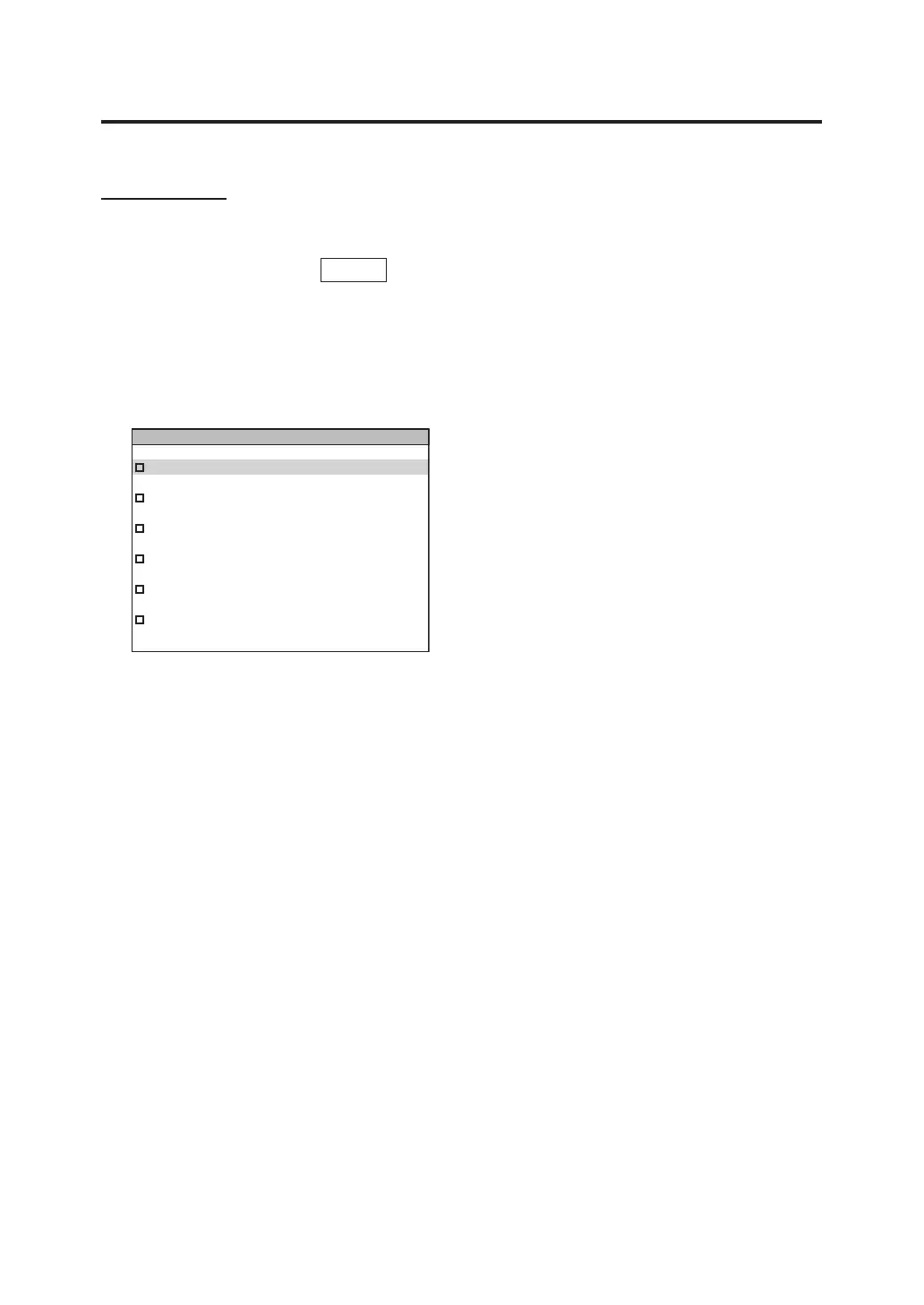
MENU Screen
Switches to the MENU screen if
MENU
key is pressed while the measurement value screen is
displayed.
MEAS
Used to set measurement speed or
synchronizing method. (p.26, 31)
MEMORY
Used to read or delete the saved measurement
values. (p.74, 77)
OPTION
Used to set the closeup lens, ND filter,
illuminance adapter or calibration channel.
(p.50, 52, 54, 66)
SETUP
Used to set the color matching functions,
backlight, display format, and communication
settings.
(p.42, 56, 44, 58)
DARK MEASUREMENT
Performs dark measurement. (p.89)
INFORMATION
Instrument information such as product name,
product serial number, and main unit version
are displayed. (p.68)
MEAS
MEMORY
OPTION
SETUP
DARK MEASUREMENT
INFORMATION



 To Next Page
 Loading...









