42
Setting
Selecting Color Matching Functions
Select the color matching function (CMF) to be used in the chromaticity calculation.
* Setting color matching function : CIE1931 (2°), CIE1964 (10°), CIE170-2:2015 (PA2°), CIE170-2:2015 (PA10°)
* Factory default setting : CIE1931 (2°)
Operating Procedure
1
6, 7
2, 3, 4, 5
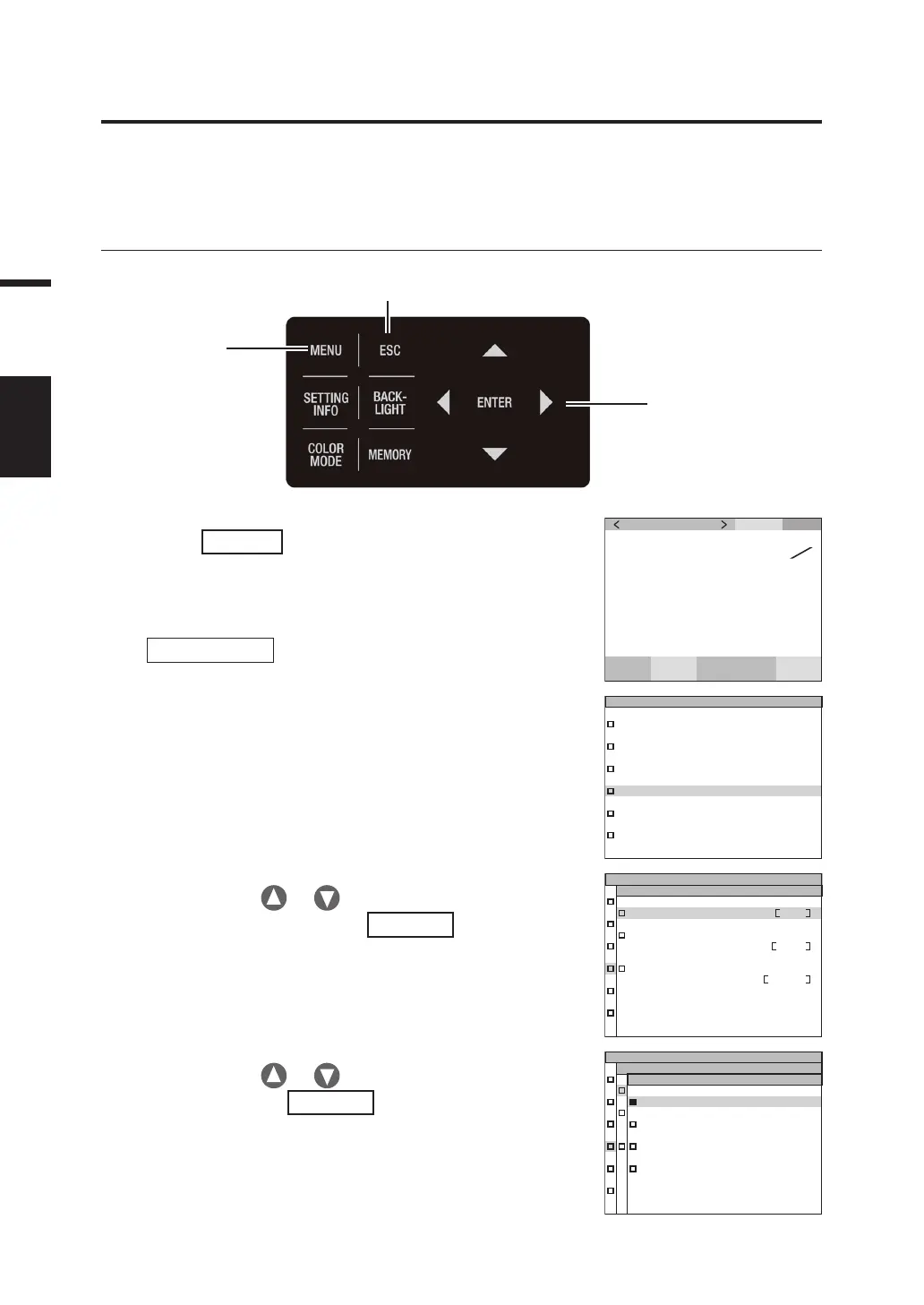
1. Press
MENU
key when the MEAS screen
is displayed.
The MENU screen appears on the LCD.
When the backlight of the LCD has been turned off via
BACKLIGHT
key on the MEAS screen, the
backlight is turned on.
SPD
CMF
SYN
[
Hz
]
ACC
cd
m
2
Lv
49. 66
0 . 4045
0 . 4088
x
y
MEAS
MEMORY
OPTION
SETUP
DARK MEASUREMENT
INFORMATION
2. Press either or key to select
[SETUP] and then press
ENTER
key.
The MENU - SETUP screen appears on the LCD.
The current set contents are displayed in the [CMF]
item.
CMF 2˚
RS-POWER SUPPLY
OFF
BACKLIGHT@MEAS
ON
SETUP
(
1/3
)
3. Press either or key to select [CMF]
and then press
ENTER
key.
The MENU - SETUP -CMF (for selection of color
matching function) screen appears on the LCD.
SETUP
(
1/3
)
ANGLE
CIE 1931
(
2˚
)
CIE 170-2
(
2˚
)
CIE 170-2
(
10˚
)
CIE 1964
(
10˚
)



 To Next Page
 Loading...









