78
Measurement
5
-a-2. Press key to select [OK], and
then press
ENTER
key.
The saved measurement values are deleted
and the MENU - MEMORY - MEM.DELETE
screen appears again on the LCD.
By selecting [CANCEL] and pressing either
ENTER
key or
ESC
key, the deletion is
canceled and the MENU - MEMORY -
MEM.DELETE screen appears again on the LCD.
MEM.DATA NO.10
Lv 5.4220E+1
x 0.4045
y 0.4073
Delete data?
OK CANCEL
DELETE
MEMORY
MEM.DELETE
5
-a-3. Press
ESC
key.
The MENU - MEMORY screen appears again on
the LCD.
Deleting saved data, one by one
5
-a-1.
When deleting saved data one by one:
Select the number of the memory data
to be deleted and press
ENTER
key.
The MENU - MEMORY - MEM.DELETE - DELETE
(deletion confirmation) screen appears on the
LCD.
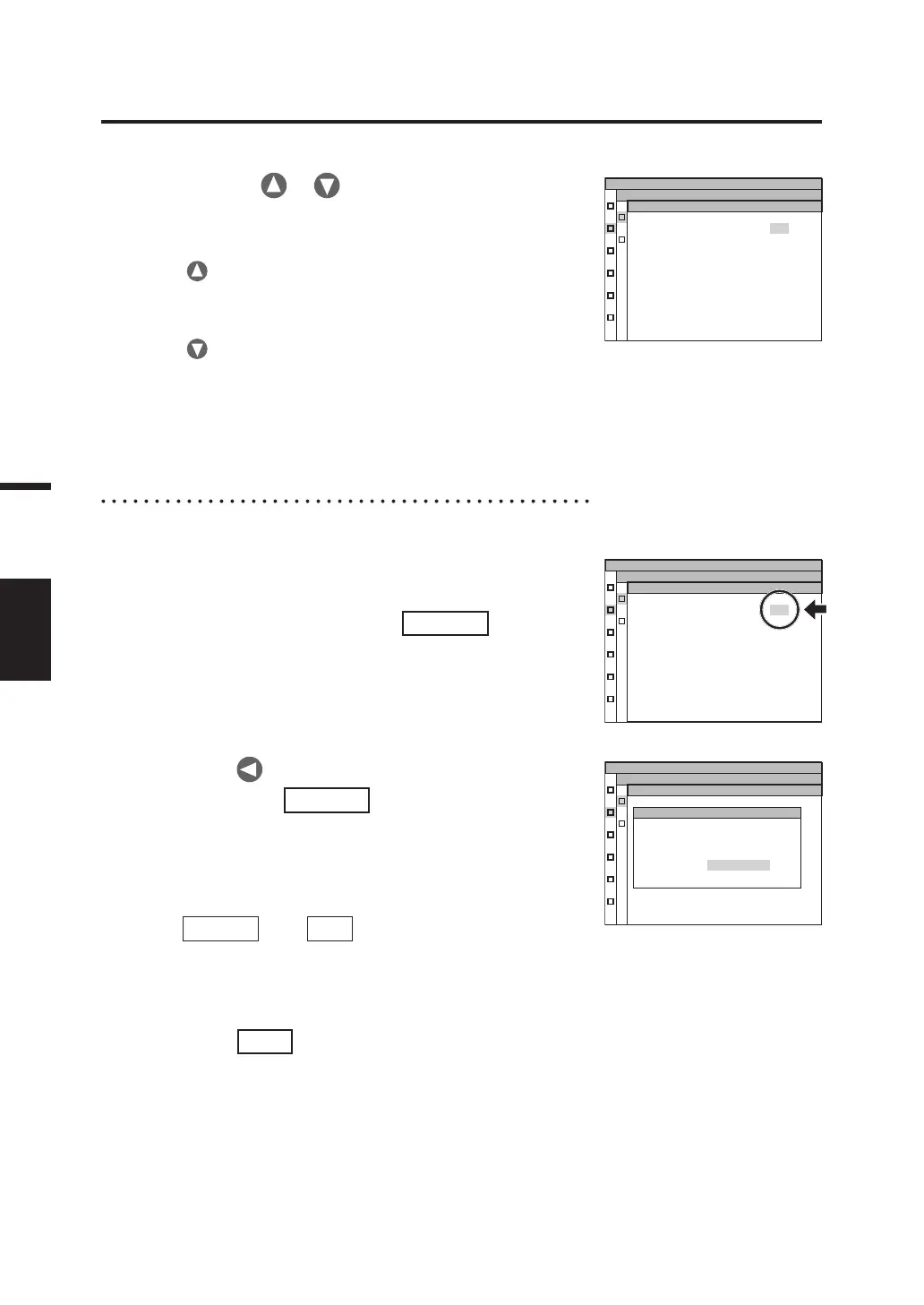
MEM.DATA NO.10
Lv 5.4220E+1
x 0.4045
y 0.4073
MEMORY
MEM.DELETE
4.
Press either or key to select
the number of the memory data to be
deleted.
Press key for a larger number. If kept pressed, the
value continuously changes. [ALL] is displayed after
No.99.
Press
key for a smaller number. If kept pressed, the
value continuously changes. [ALL] is displayed after
No.00.
Once deleted, it cannot be restored to the state before
the deletion. Check the memory data number carefully
before deleting it.
MEM.DATA NO.10
Lv 5.4220E+1
x 0.4045
y 0.4073
MEMORY
MEM.DELETE



 To Next Page
 Loading...









