Installation and Settings
CardioCoach PRO User Manual | Page 42
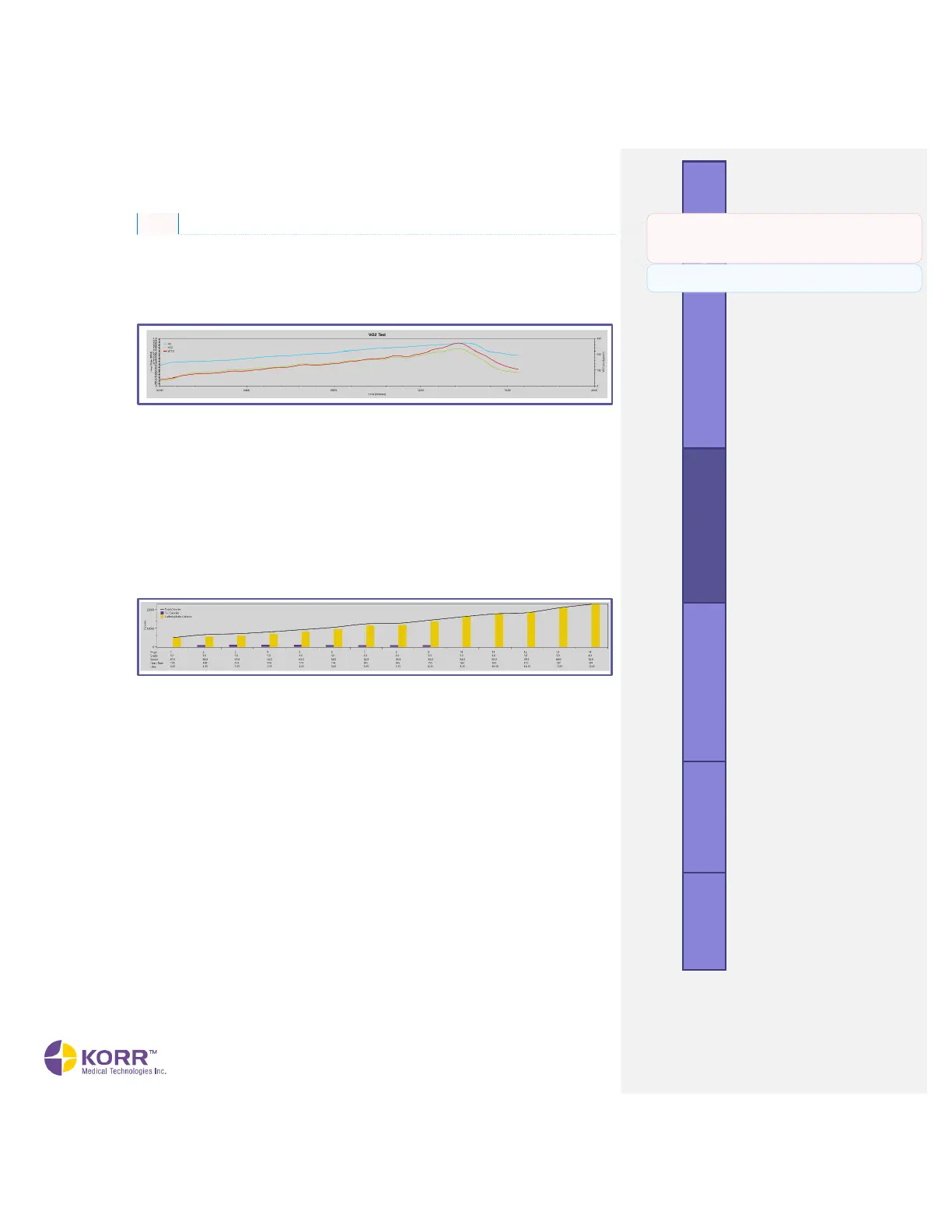
Graph VO2 Test Graph
The graph results display the waveforms of heart rate, VO
2
(volume of
oxygen) and VCO
2
(volume of carbon dioxide) over time. Additionally, the
software will indicate the markers of aerobic threshold and anaerobic
threshold.
VO2 Test Graph Explanation
This is an optional field for the trainer to enter any notes for the client to
help explain the results shown in the graph. Notes entered here will appear
on the PDF report.
Effective Fat Burn Graph
This chart uses a bar graph to show the utilization of fat and carbs to allow
you to see fuel sources compared directly to heart rate and workload.
Stage Averages Graph
This table shows the test results in chart format with data at each stage of
the test.
Stage Averages Analysis
This is an optional field for the trainer to enter any notes for the client to
help explain the results shown in the table. Notes entered here will appear
on the PDF report.
Commented [TR1]: I assume the Effective Fat Burn graph
shown in the original MAX manual is irrelevant here because
we moved that to the PRO only. Let me know if that isn’t the
case and I’ll add it back in.
Commented [JK2R1]: Effective Fat Burn table is in the
MAX, so it needs to be returned to the manual. Thanks!



 To Next Page