Installation and Settings
CardioCoach PRO User Manual | Page 56
o Additionally, you can continue to drill down using multiple
filters. Simply select the Add Filter button to add an
additional filter to your search. For instance, you can filter
to view all tests conducted last week by a particular trainer.
To remove a filter from the logic, select the Remove Filter
button.
4. To view a test, select the desired test and click the View Test button.
Compare Tests
Using the compare tests functions, you can compare:
● One client’s results over time
● Multiple clients’ results
After comparing tests, you can also export test results to a .csv file for
further data analysis.
To compare test results, follow the steps below.
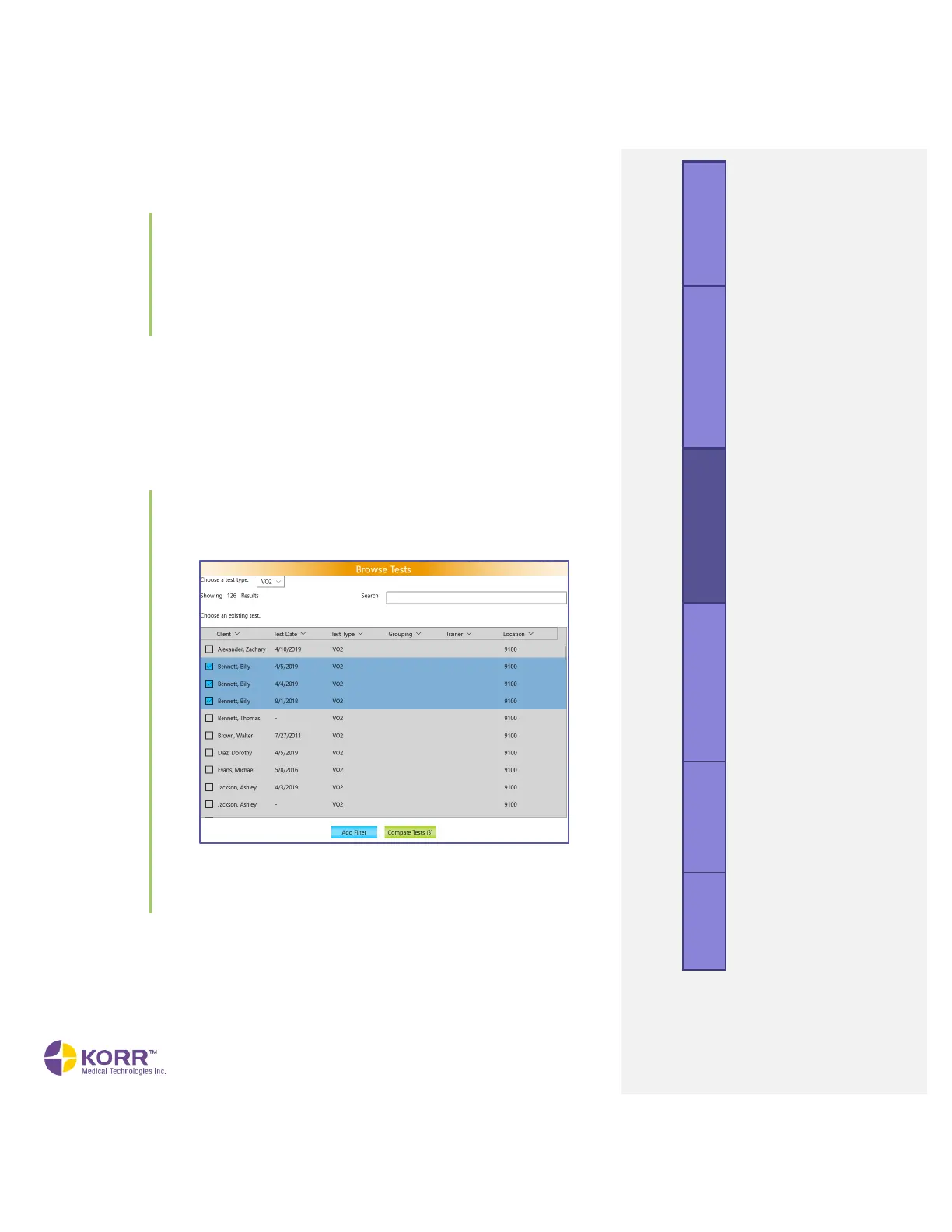
1. Check the box next to the test results you wish to compare, as shown
below.
2. Click the Compare Tests button at the bottom of the screen. A screen
similar to the example below will display. You may need to scroll
down to view all results.



 To Next Page