1. Select desired protocol from list.
2. Modify name and description if desired.
3. If any changes were made, click Save.
Follow the step below to edit protocols.
1. Select the Edit Protocols option from the main menu or the menu bar
at the top of the screen.
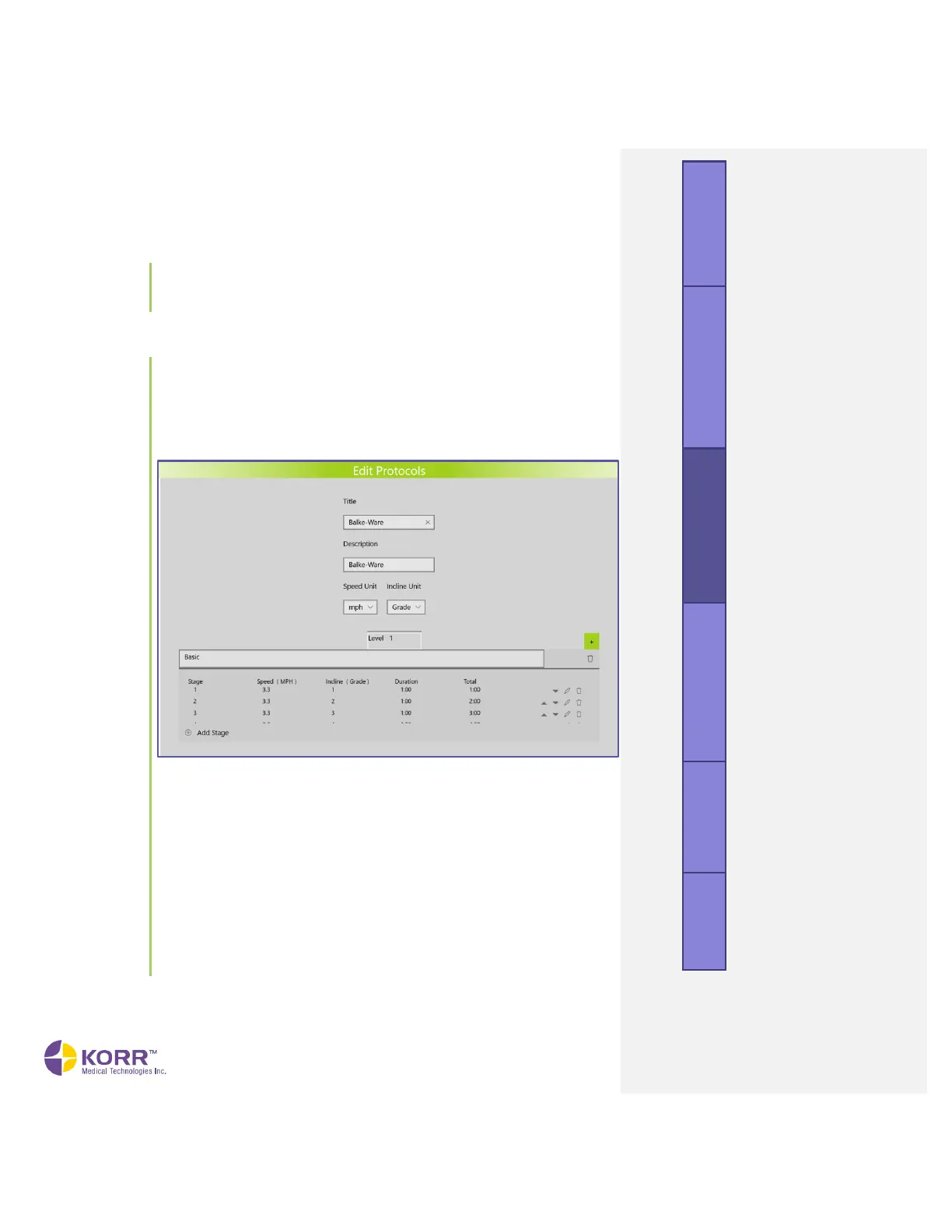
2. From the list of protocols, select the protocol you wish to edit. A
screen similar to the one shown below displays.
3. Edit any of the following items.
a) Title. You can change the name of the protocol to a customized
title.
b) Description. Enter a custom description.
c) Speed Unit. Change the units of speed.
d) Incline Unit. Change the units of incline
e) Stage. To edit a Stage of the protocol, click the pencil icon on
the right side of the screen. This will display an Edit popup box.
You can change the incline, speed, incline, and/or duration of
this stage. You can also enter a message. Click the Save button
in the popup box to save your changes and return to the
protocol screen.



 To Next Page