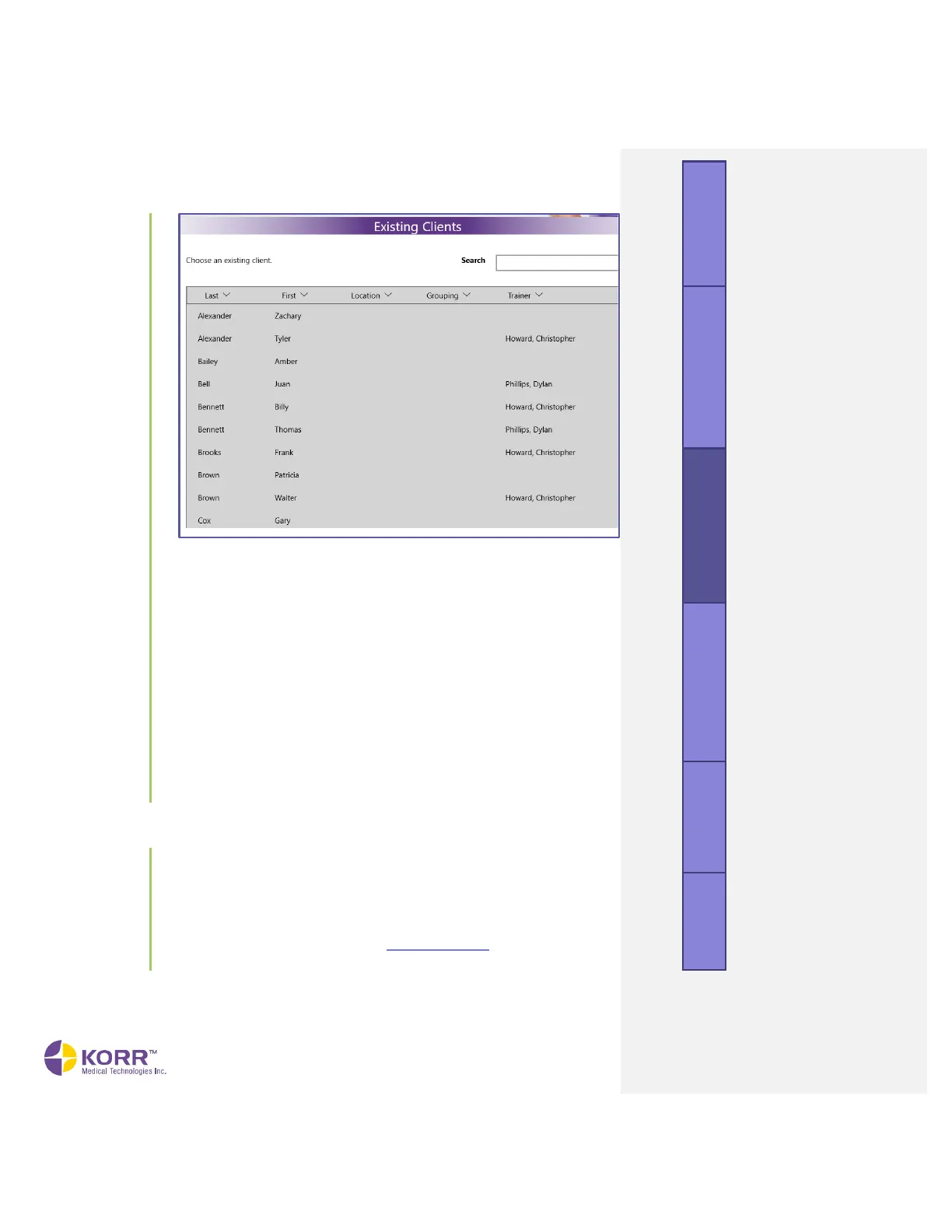
2.
Account profiles can be accessed the following ways:
• Sort ─ Each category (name, grouping, trainer, and so forth) can be
sorted by clicking the arrows at the top of the header.
• Search ─ The search bar allows you to search for a client by name
or by the name of the trainer.
3. Selecting the client will bring up the appropriate Account profile as it
was last saved. Edits may be made to any field within the profile. Any
edits made will automatically save when the Start Test button is
clicked.
a) Test Type. Select VO2 when administering a VO
2
Max test
b) Protocol. Select the desired Protocol from the dropdown box.
c) Images. You may add or clear client images from this screen, if
desired, as described in the New Clients section, above.
2. To begin testing, tap or click the Start Test button.
1. Start Test. If you have not already done so, click the Start Test button
to begin test administration.
2. Verify the Connection. Check the lower left corner of the software
screen. When connected, the message Connected appears. If you see
the software message, CardioCoach Not Connected
,
you have a
connection problem. Refer to the Troubleshooting section of this User
Manual. Connection difficulties must be resolved prior to testing.



 To Next Page