Installation and Settings
CardioCoach PRO User Manual | Page 32
4. To ensure good heart rate signal detection, check that the moist
electrode areas are firmly against your skin and that the logo or front
of the connector is in a central and upright position.
Begin Testing
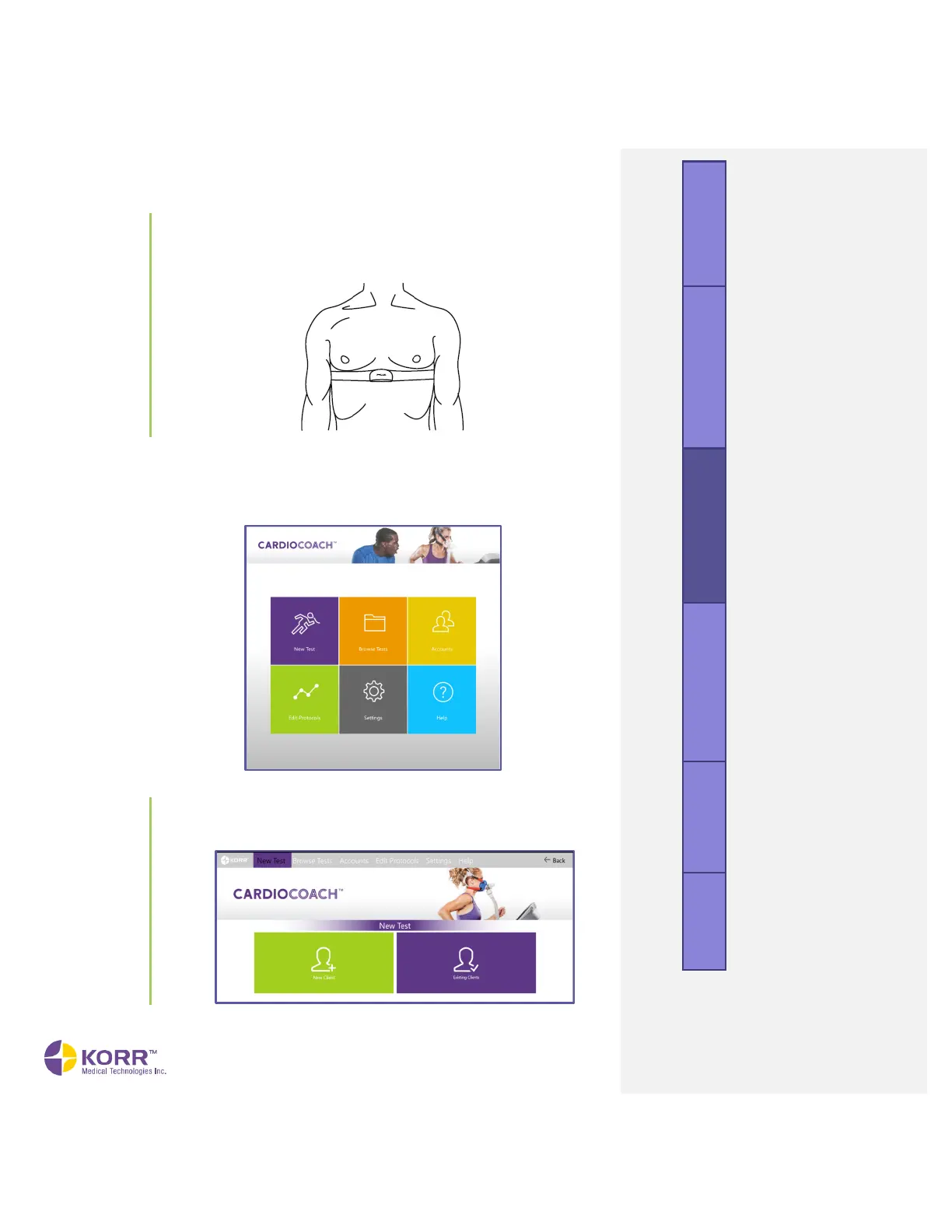
To begin testing, open the CardioCoach software. The software will open to
the Main Menu, shown below.
To begin testing, click the New Test icon on the Main Menu. The
New Test menu will display New Client and Existing Clients options,
as shown below.



 To Next Page