199
12
© 2018 KOSTAL Solar Electric GmbH
Accessories
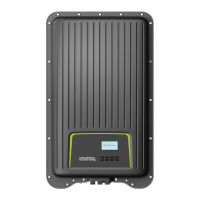
For the PLENTICORE plus, there is an option of releasing
the third PV input (DC3) as a connection for battery stor-
age. To do this, you can purchase a “Battery activation
code” from our KOSTAL Solar online shop and enter this
in the inverter. Then, you can use the third PV input to
connect a battery.
You can find more information about this product on our
website www.kostal-solar-electric.com.
You will find a list of approved batteries in the download
area for the PLENTICORE plus.
Should you have any further questions, please contact
our sales team or your service partner.
n
Purchase a battery activation code from the KOSTAL
Solar online shop
n
Enter battery activation code in inverter or via the
Webserver
n
Connect battery to third PV input (DC3) on inverter
Ch. 3.1
n
Make the battery settings in the Webserver (e.g. bat-
tery use strategy, battery charge, etc.)
12.4 Activating battery connection



 To Next Page