81
4
© 2018 KOSTAL Solar Electric GmbH
Operation and operating the device
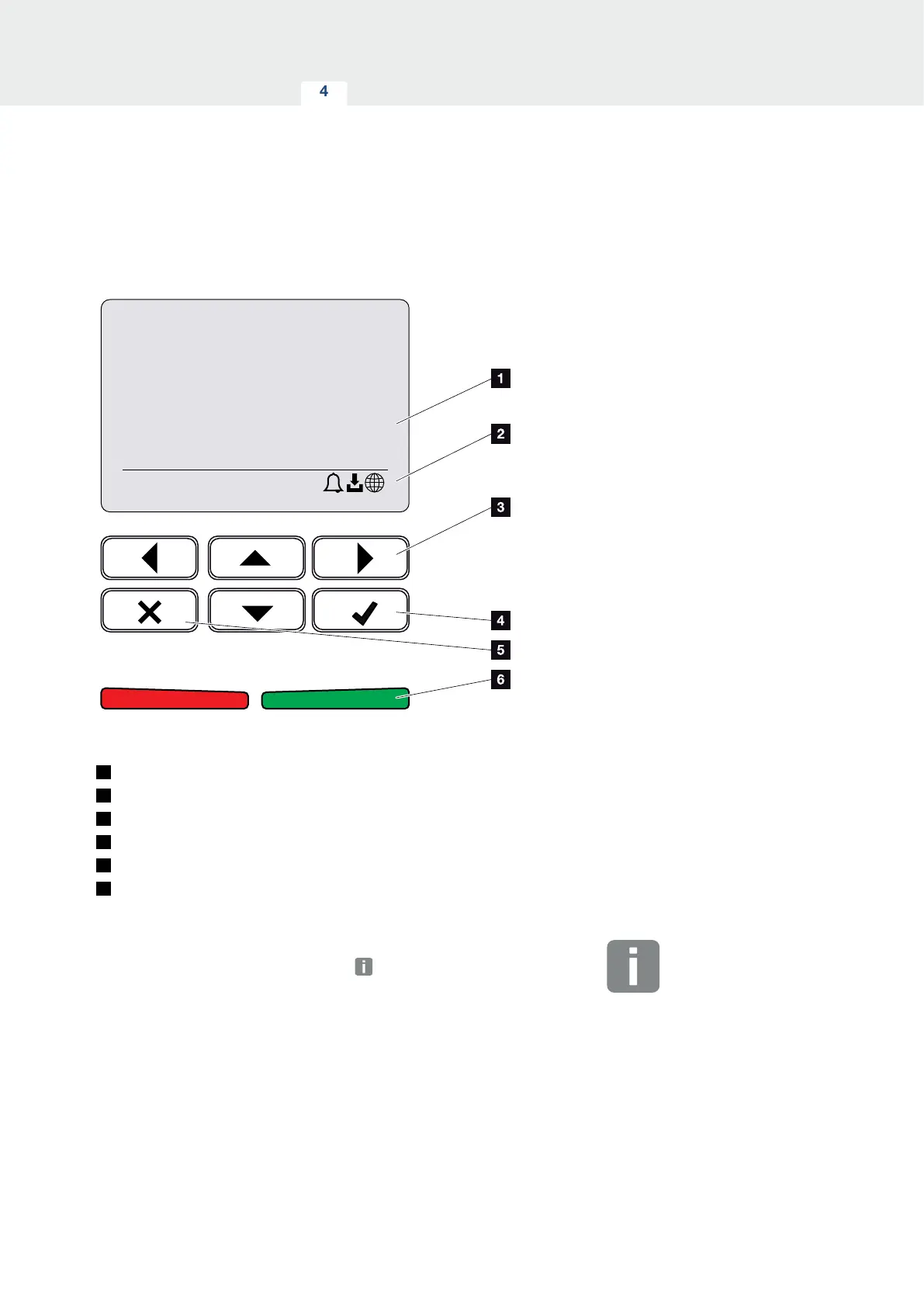
4.4 Control panel
3800 W
xxxxxx
xxxxxxxx
XX
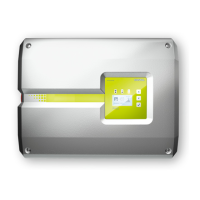
Fig. 41: Control panel
1
Display
2
Status display
3
Arrow key for navigating around the menus
4
"ENTER" key (for confirmation)
5
“DELETE” key (for deleting) or for exiting the menu
6
Status LED “Fault” (red), “Warning” (flashing red),
“Feed-in” (green), “Feed in limited” (green flashing)
The inverter indicates the respective operational status
through two LEDs and the display.
The operating values can be retrieved and settings
adjusted on the display.
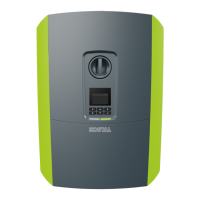
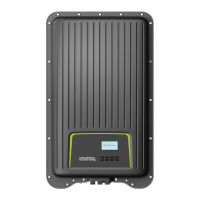
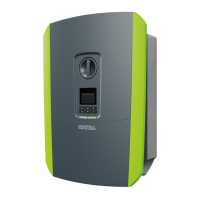
INFO
When no key has been pressed for
several minutes, the screensaver with
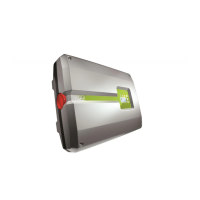
the image of the inverter appears
automatically on the display.



 To Next Page