60
3
© 2018 KOSTAL Solar Electric GmbH
Installation
X601
X601
BMS
DC3
GND 0V
CANopen low
RS485 A
RS485 B
CANopen high
VDD +12-14V
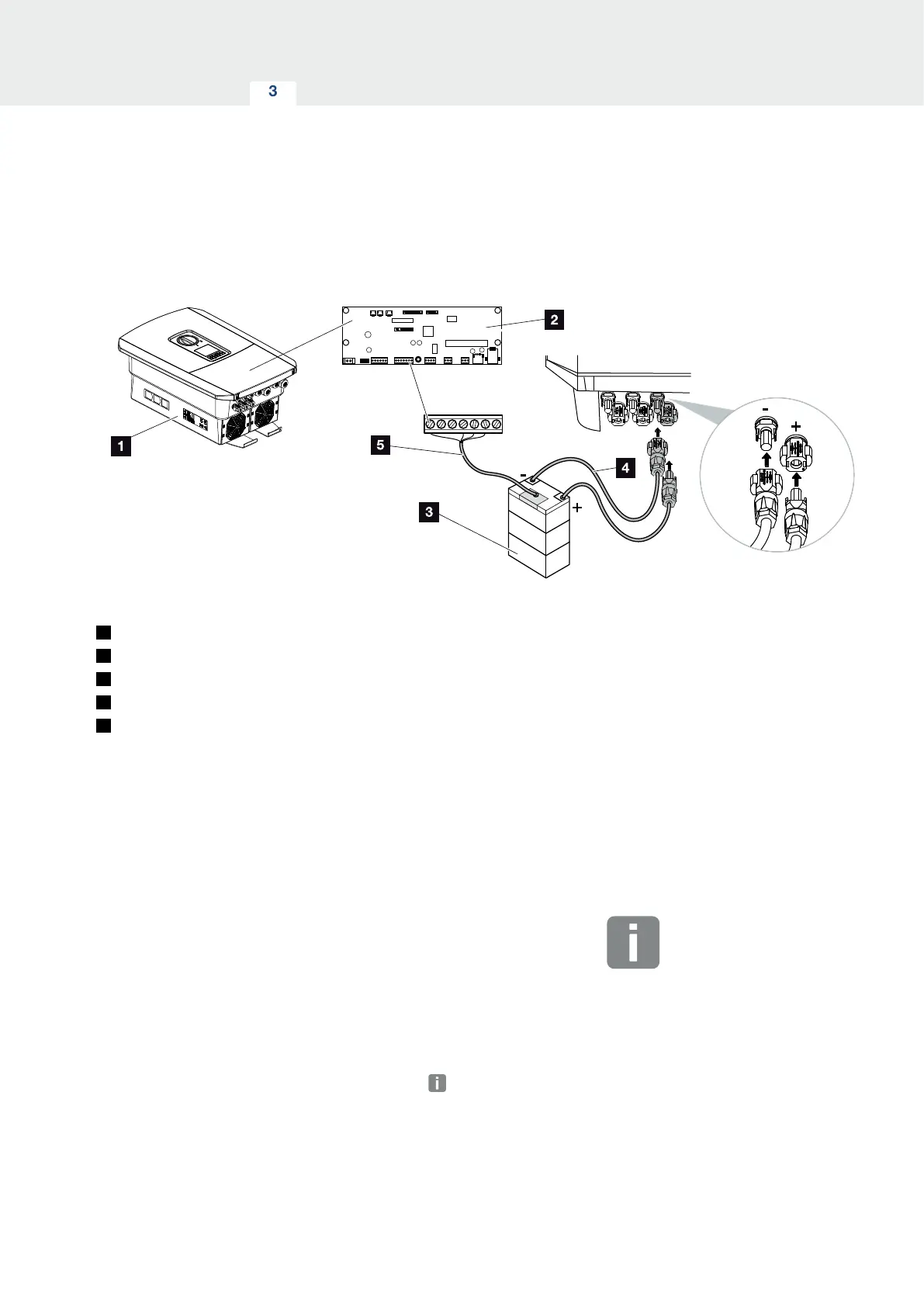
Fig. 34: Battery storage connection
1
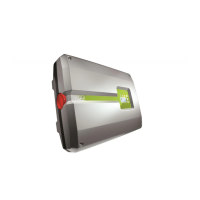
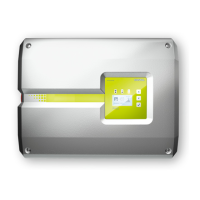
PLENTICORE plus inverter
2
Smart Communication Board
3
Battery storage with battery management system
4
DC cables for battery storage
5
Communication cable to battery storage
On the PLENTICORE plus inverter, you can connect a
battery storage system to the DC input 3 in place of a PV
string.
However, this can only be done if DC input 3 has been
released for this option. The battery storage connec-
tion is activated by entering a battery activation code.
You can purchase the battery activation code from the
KOSTAL Solar online shop.
Please note the following:
n
Battery use must be released in the inverter.
n
Only battery storage systems (manufacturers) which
have been approved by KOSTAL Solar Electric
GmbH may be connected to the inverter.
INFO
You will find a list of approved battery
storage systems in the download area
for the product on our homepage at
www.kostal-solar-electric.com
3.10 Connecting battery



 To Next Page