Part 2: Overview of display values and settings Timer Program Area
29
~ Hinged cover OPEN search for level to the right with Ç,
open with
Ä
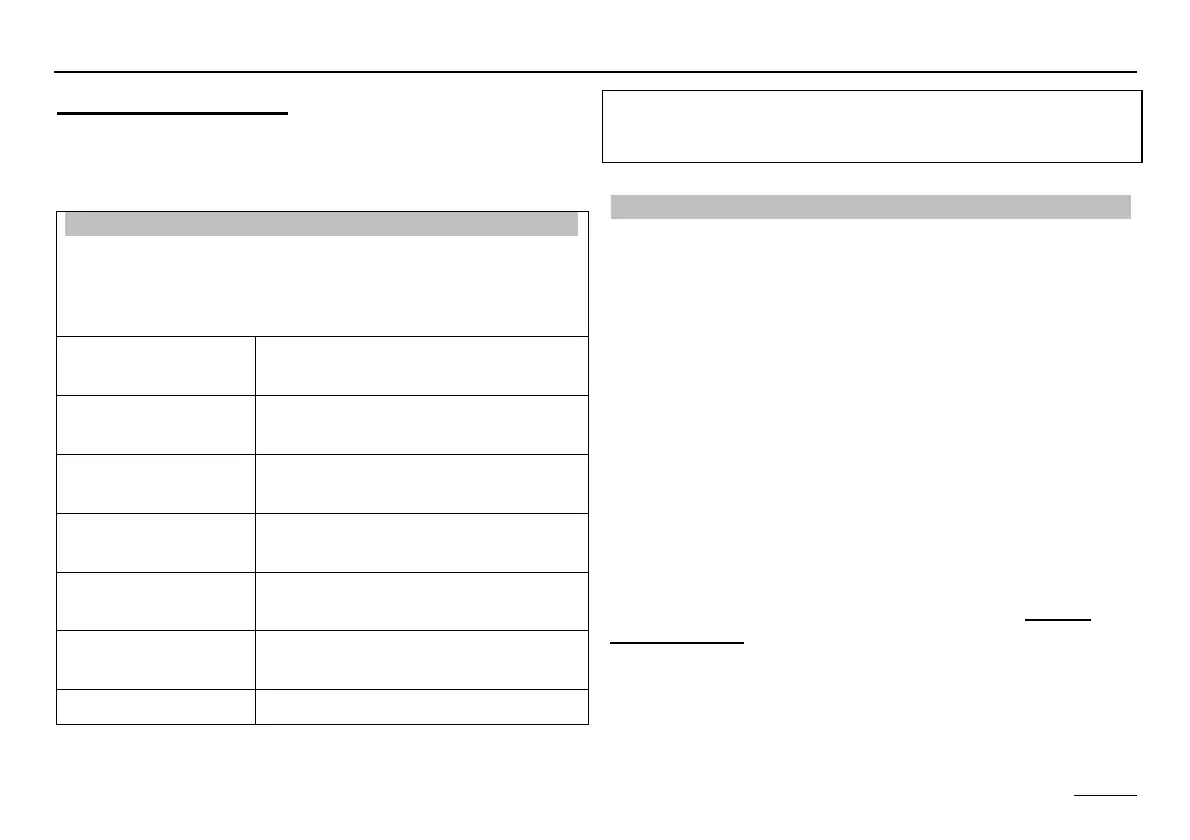
Timer Program Area
All the time programs can be set in this area.
List of available time programs
With maximum controller configuration
Select timer program using Ç Ä select timer program for
display or adjustment
CIRCL TIME Switching program for circulation
pump
HOTW-PROG Enabling program for hot water
charging pump
HTG-PROG 1
D 1
1. heating program for first control-
ler heating circuit
HTG-PROG 2
D 1
2nd heating program for first con-
troller heating circuit
HTG-PROG 1
D 2
1. heating program for second con-
troller heating circuit
HTG-PROG 2
D 2
2nd heating program for second
controller heating circuit
RETURN Exit level using Ä
Selecting a timer program
Open hinged cover => "Display => Installation",
Ç to the right until clock
=> "USER => INSTALLATION",
Ç to the right until clock => "TIME PROGRAM
=> CIRCL TIME"
Ç Select timer program
=> e.g. "HTG-PROG 2 D 1"
= Heating program 2 for controller heating circuit 1
Ä
Confirm/open timer program
=> "MONDAY"
When connecting a digital room controller with heating
program input, the corresponding heating program in this
controller is automatically faded out.


 To Next Page