General area Part 2: Overview of display values and settings
14
~ Hinged cover OPEN search for level to the left with Ç,
open with
Ä
Part 2: Overview of display values and settings
Part 2: Overview of display values and set-
tings
General area
(Select main level using Ç and open with Ä)
Date/Time/Holiday
This area contains a series of different values in order to
provide rapid access.
(Select values/value group using Ç and open with
Ä)
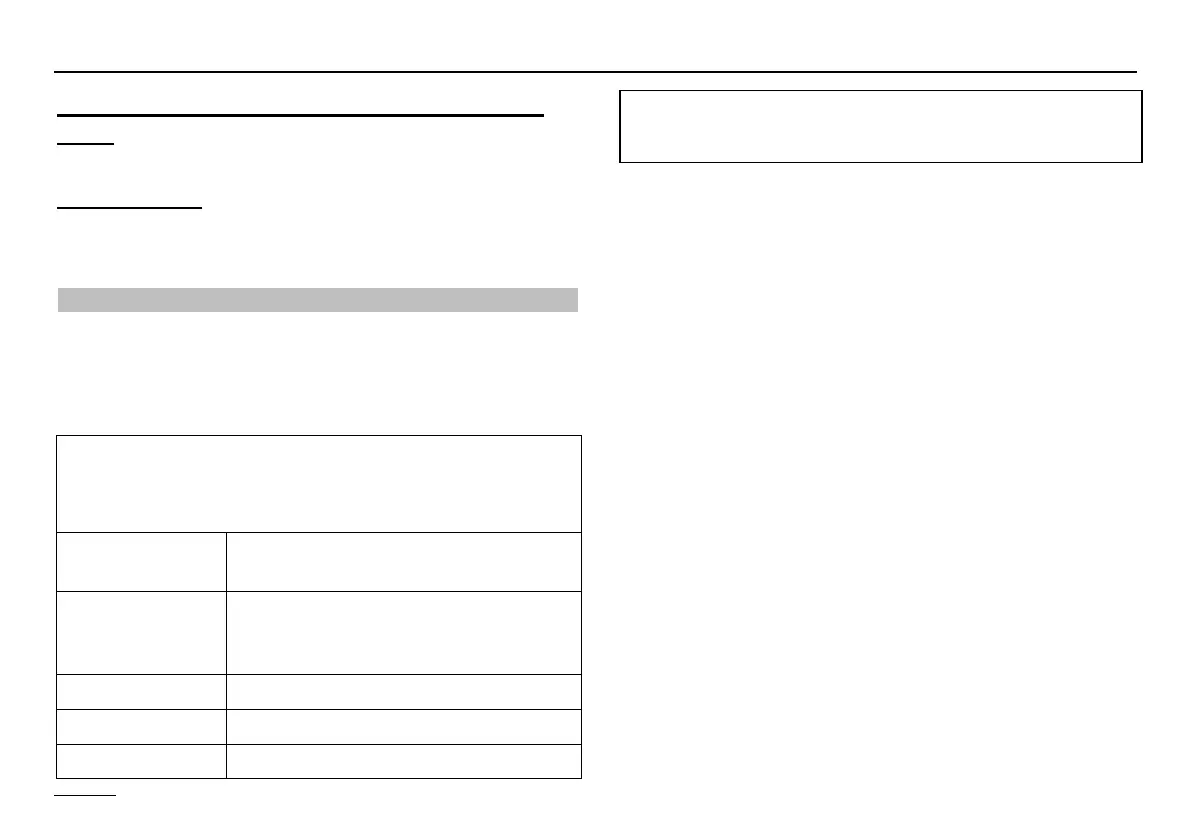
Date/time => Value group
(General -> Date/Time/Holiday level)
All the values in this group are set in sequence => ad-
just using Ç => continue with Ä
TIME
(Minutes)
Current minutes blink and can be ad-
justed
TIME
(Hours)
Current hours blink and can be ad-
justed (seconds are set to "00" when
stored)
YEAR Adjust current year
MONTH Adjust current month
DAY Adjust current day (date)
! If a heating system controller has been set to be the
TIME MASTER (time setting for all controllers, see
EXPERT/INSTALLATION) or a DCF (Radio time
receiver) has been installed in the system, the time
is blanked out on all the other controllers in the
system.
! There may be a time difference of up to 2 minutes
per month (correct time if necessary). If a DCF
receiver is connected the correct time is always
displayed.
The current weekday is calculated automatically. Checking
can take place using the selectable additional display in
the standard display => set to "Day"
It is possible to change from summer to winter time by en-
tering the date.


 To Next Page