Operation in normal mode Part 1: Operation
8
Part 1: Operation
For initial start-up, please read the chapter
"Installation and Start-up“
Operation in normal mode
(operating flap closed)
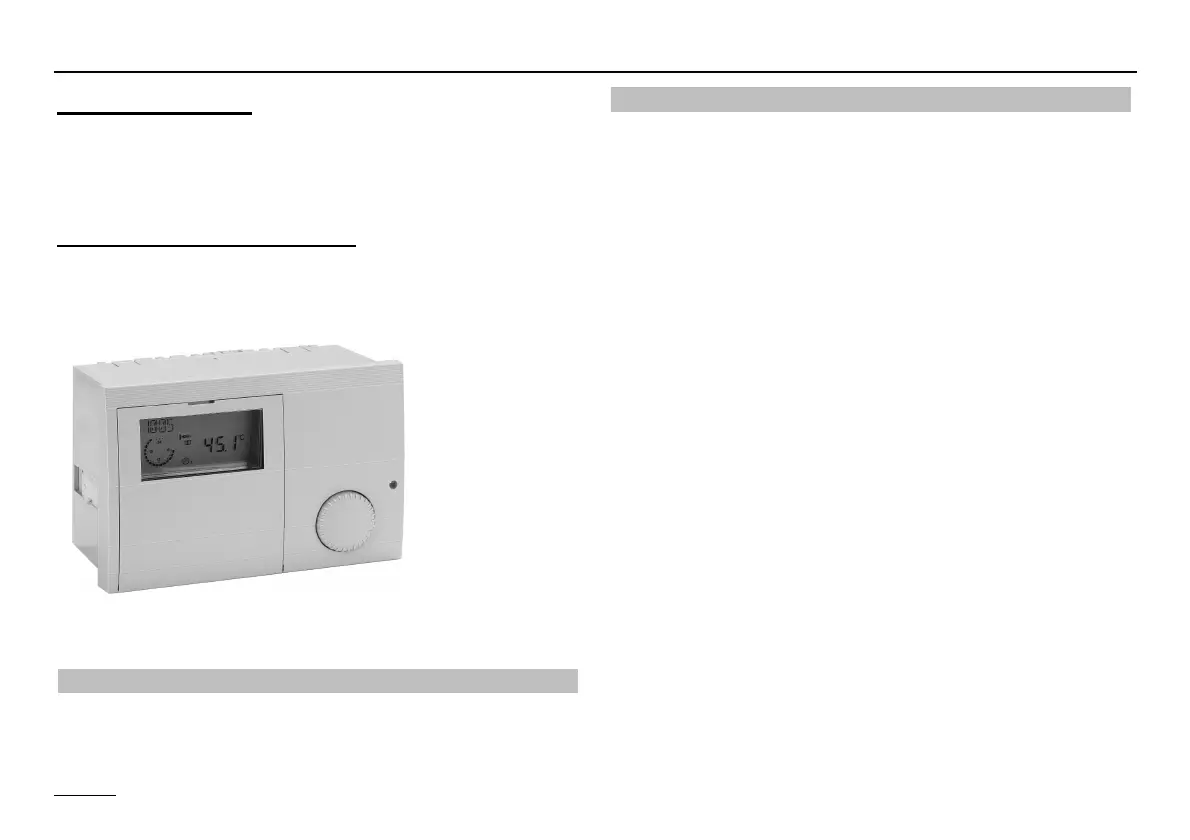
Operating elements
Ç Change the set operating mode
Ç Operating mode selection
Turn the knob to select the operating mode required. The
operating mode selected is indicated by a symbol at the
bottom of the display. It takes effect when the setting is not
changed for 5 s.
The following operating modes are available for selection:
i Standby / OFF
(Heating OFF and hot water preparation OFF,
only frost protection mode)
F1 AUTOMATIC 1 (Automatic mode 1)
(Heating according to timer program 1; DHW according to
DHW program)
F2 AUTOMATIC 2 (Automatic mode 2)
(Heating according to timer program 2; DHW according to
DHW program)
h HEATING (Day mode)
(24 h heating with comfort temperature 1; HW according to
HW program)
C REDUCING (Night mode)
(24 h heating with reduced temperature; HW according to
program)
F SUMMER (Summer mode)
(Heating OFF, HW according to HW program)


 To Next Page