MAL-OPS-1026 v3 16
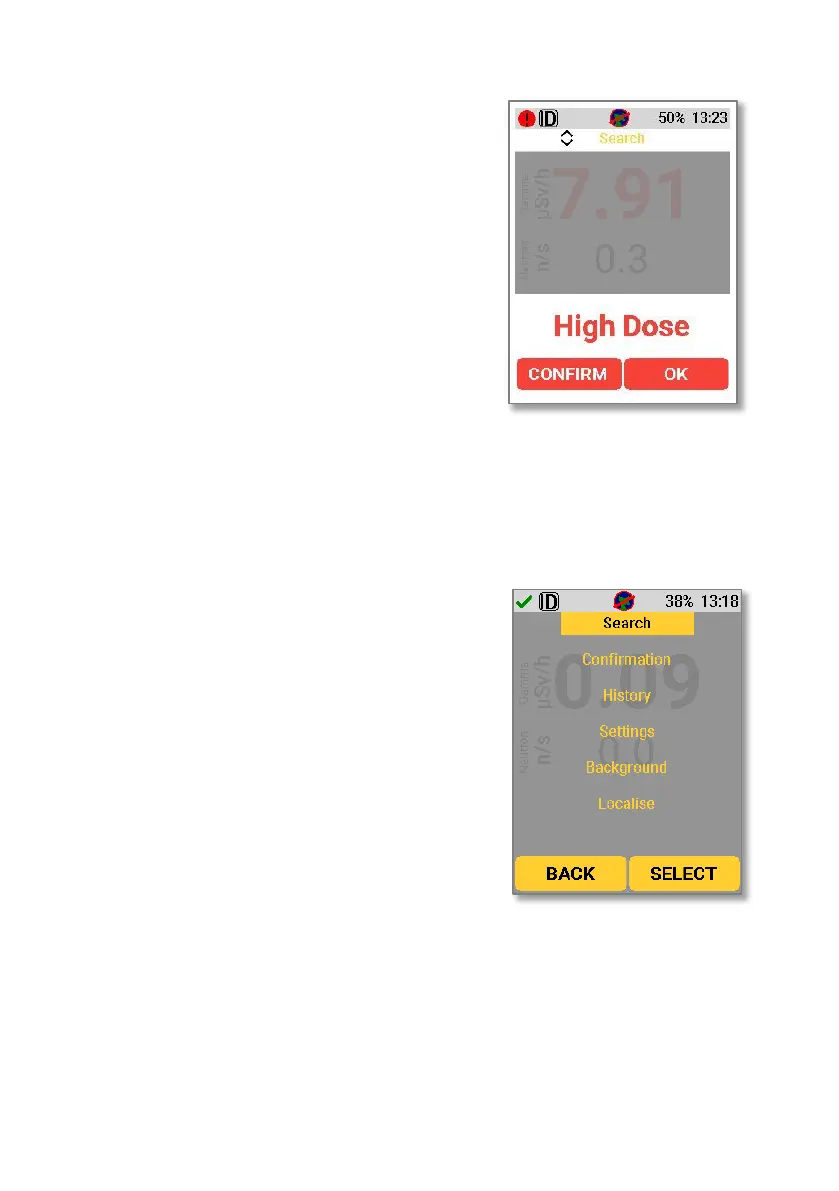
A high dose alarm will occur if the dose
rate threshold is exceeded. For
information on viewing and changing the
dose rate alarm threshold, see Section
9.17.1.
If a high dose alarm occurs, the screen on
the right will be shown.
Using the right key to select “OK” will
dismiss the alarm. Using the left key to
select “Confirm” will take the device into
confirmation mode (Section 5.3).
Note that the exclamation point in the red
circle in the top left-hand corner will
remain in place until the threat is
removed, even if an alarm is dismissed.
5.2.1. Accessing Search Mode with ID
Search mode can be accessed by pressing
either the up or down key to bring up the
main menu. The up and down keys can
then be used to navigate the menu. When
“Search” is highlighted, use the right key
to select. The device will then show the
Search Mode screen



 To Next Page