MAL-OPS-1026 v3 58
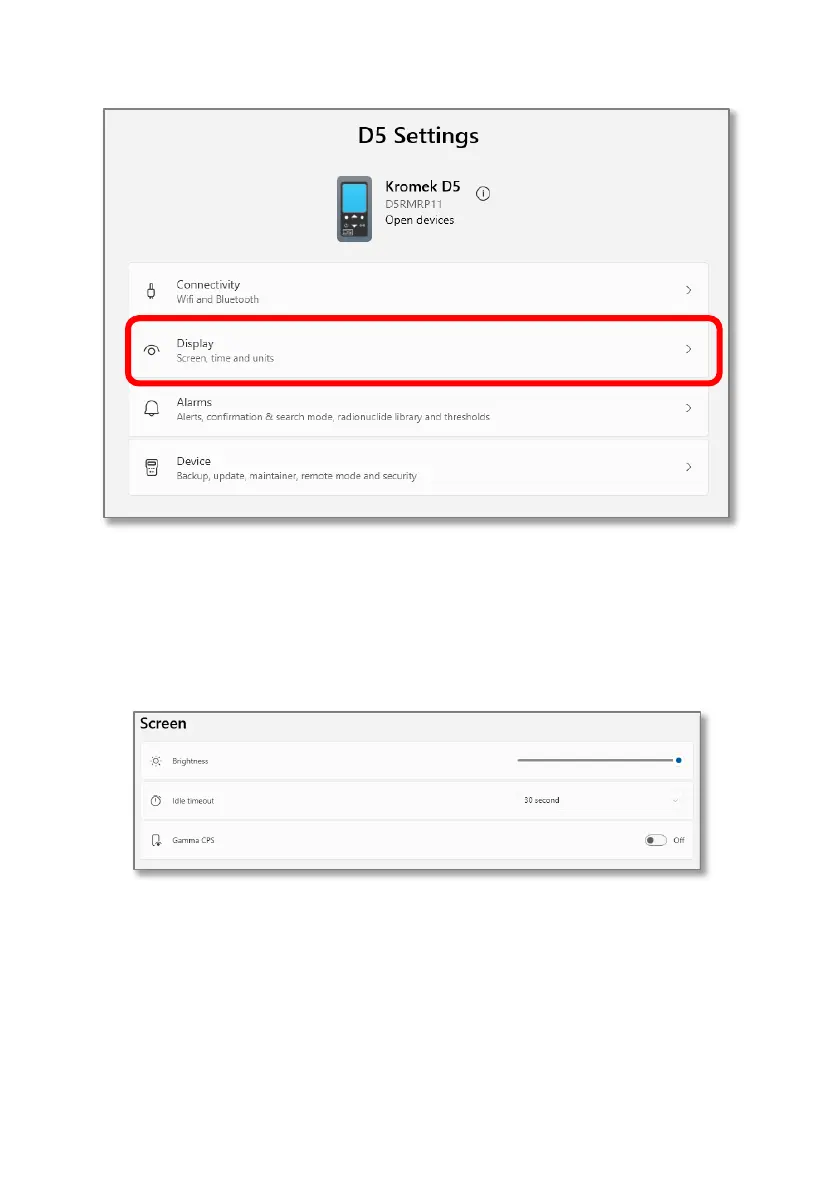
The display section of the D5 settings app is split into three sections - screen, time,
and units.
In this section of the app, the user can alter the screen brightness, the screen
timeout and choose if gamma counts per second information can be seen on the
search mode and confirmation mode screens.
In this section of the app, the user can set the device time including any offsets or
daylight saving. Pressing “sync”, will ensure that the time and date shown on the
computer are shown on the D5 RIID. Enabling daylight saving means that time is
added accordingly. An offset can also be applied if required.



 To Next Page