MAL-OPS-1026 v3 64
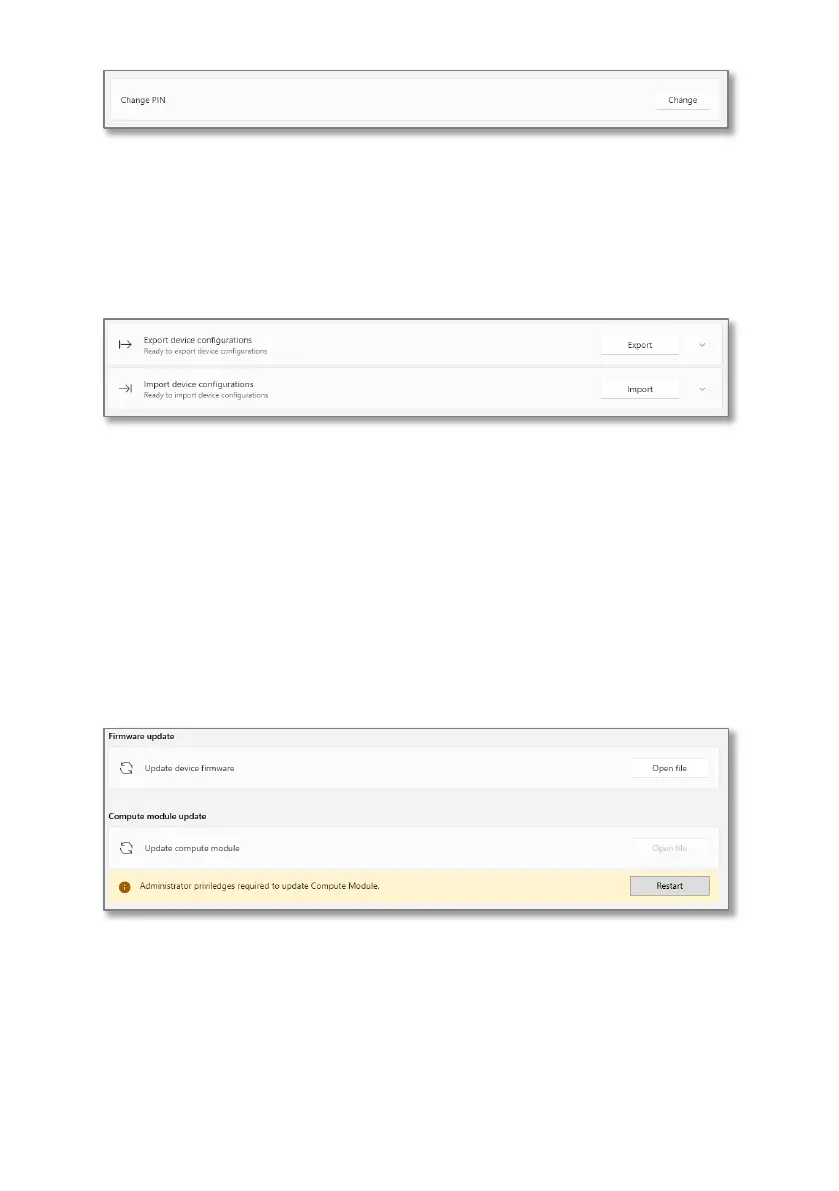
This setting allows a user to save a device configuration so that it can be reapplied
to the device, or another device, in the future.
Export allows a user to retrieve settings from a connected device and save the file.
Import allows a user to load a previously saved configuration to the device.
This section of the app allows a user to update the firmware and compute module
on the device. The devices should only be updated with firmware or compute
module updates which are released by Kromek.
Updating the firmware is done by clicking “open file” and selecting the correct
.bin.signed file. The file must be saved onto the same computer.
Updating the compute module requires administrator privileges. Click “restart” to
access the computer’s administrator password input. The compute module can
then be updated by clicking “open file” and choosing the correct file.
12.7.4. Maintainer Settings
In this section of the app, the user can enable or disable Bluetooth classic and
WiFi.
A user can also enable covert mode, which disables all communication methods.
This includes both WiFi and Bluetooth. If this mode is enabled, a user will not be
able to turn either WiFi or Bluetooth on when using the device and they will
instead be greyed out.



 To Next Page