MAL-OPS-1026 v3 38
To select a confirmation time, a user navigates to the desired duration and uses
the right-hand key to “select” that duration.
A grey check mark indicates the currently selected confirmation scan duration. In
the example above, a 30 second duration is chosen, meaning that the D5 RIID will
complete a 30 second scan when in confirmation mode.
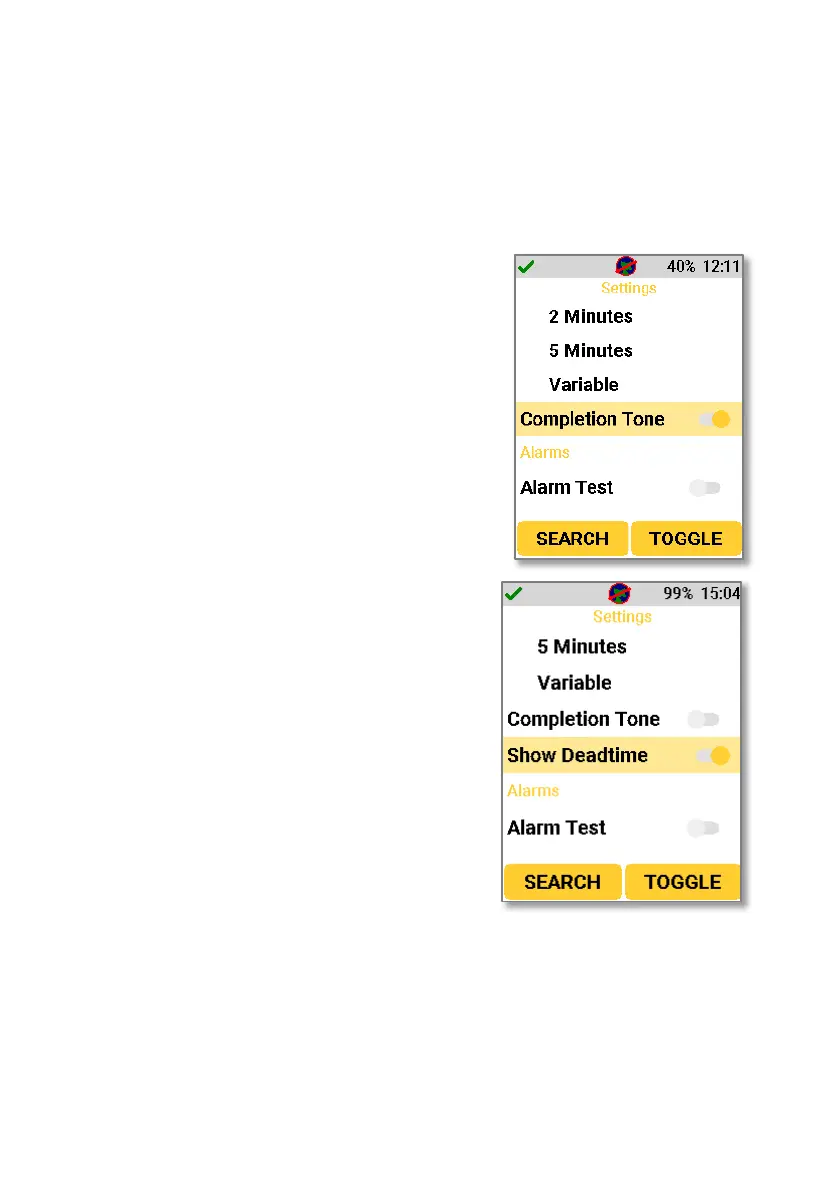
Navigating to the completion tone setting
allows the user to enable a tone at the end of a
confirmation scan. Enabling this setting means
that three “beeps” will occur after a
confirmation scan has completed.
9.11. Show Deadtime
Navigating to the show deadtime setting allows
a user to enable or disable to ability to show
real time and dead time on the panel which
displays after a Confirmation Mode scan has
completed. Real time and dead time for the
scan will be shown above the usual
information.



 To Next Page