MAL-OPS-1026 v3 48
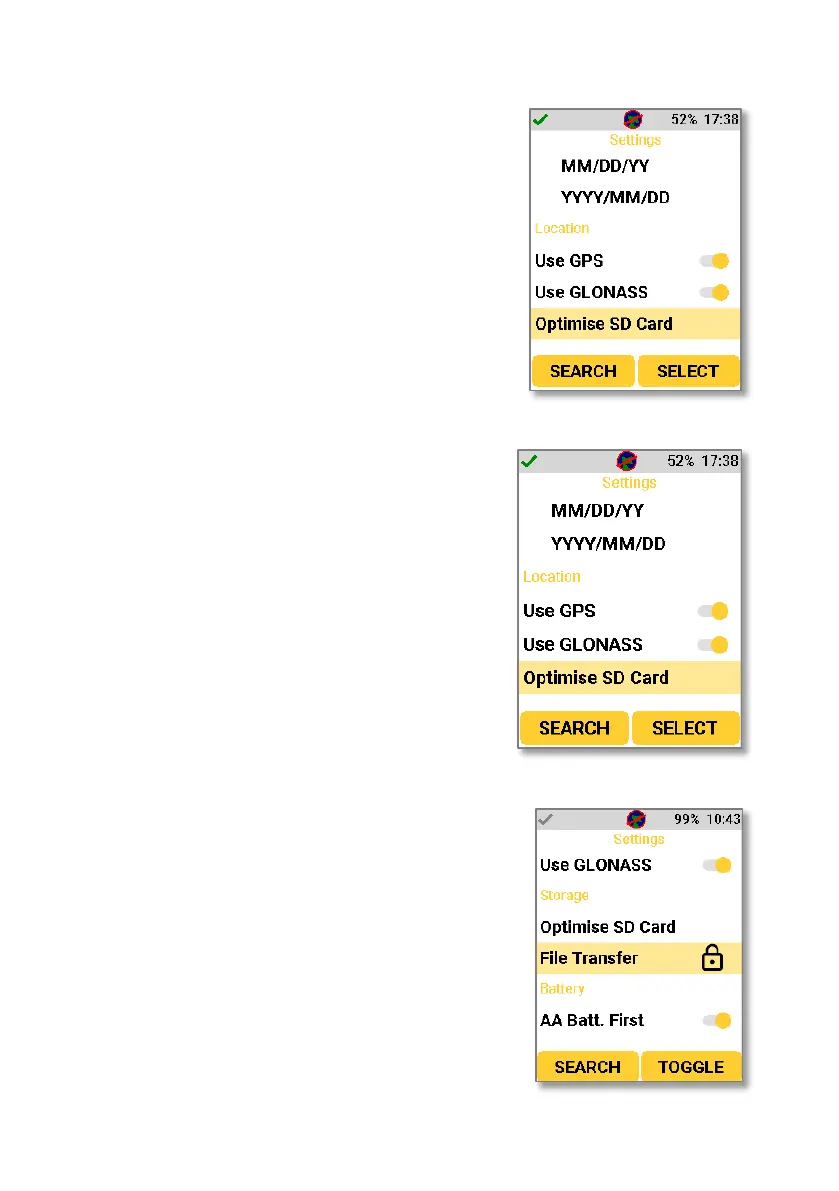
The date format can be set in the
following three ways:
DD/MM/YYYY
MM/DD/YY
YYYY/MM/DD
Optimising the SD card allows the SD card
to be truly cleared. This is used if the D5
RIID history section becomes slow to load.
Enabling the D5 RIID’s File Transfer mode
in settings means that the device will
essentially behave like a mass storage
device. The D5 RIID can be connected to a
PC or laptop via USB and will become
discoverable by the PC, meaning that files
can be easily extracted. If this setting is
not enabled, files must be extracted using
the D5 Explorer desktop based
application.



 To Next Page