MAL-OPS-1026 v3 31
network. An orange WiFi icon will also be
shown in the top bar.
“Init Error” status indicates that there was
a failure when attempting to connect to a
network. A red WiFi icon will be shown in
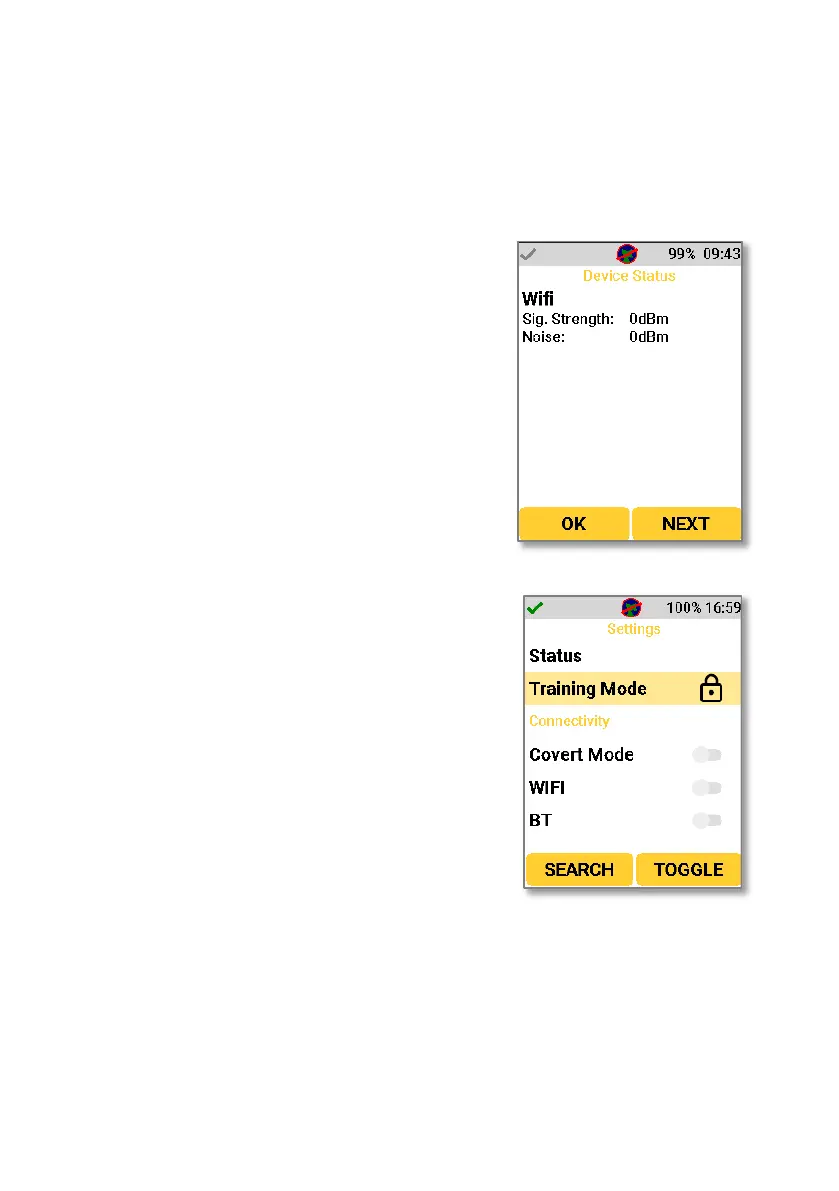
A second WiFi status screen shows the signal
strength and noise to assist with WiFi
troubleshooting.
Navigating to the training mode setting allows
you to enable or disable training mode on the
D5 RIID.
Training mode gives an option to perform
training exercises using more standard lab
sources to simulate special nuclear material.
Training mode is a restricted setting, meaning it
is PIN protected. Once accessed, it can be
enabled or disabled.
Once enabled, the device will operate as
normal however any identification results
shown in Search Mode or Confirmation Mode
will show training mode results. To ensure that
a user is aware they are using the device in
training mode, a T is shown at the top of the
screen when this is enabled.



 To Next Page