MAL-OPS-1026 v3 68
The D5 RIID must be connected to a laptop or computer via USB. When the app is
open, it is important that the explorer app is the only application connecting to the
D5 RIID via USB.
Any other apps capable of communicating with the D5 RIID should be closed.
To ensure that the settings app is displaying information from the connected D5
RIID, the settings tab on the far left should be clicked to bring up all possible
devices. Double clicking the desired device will ensure that its information is
displayed. It should be ensured that the transfer size slider is at the far right (1024
bytes) to ensure the quickest transfer of files.
The D5 RIID explorer app allows for the extraction of saved files from the D5 RIID.
The D5 explorer app can be downloaded from the Kromek website at
https://www.kromek.com/software/.
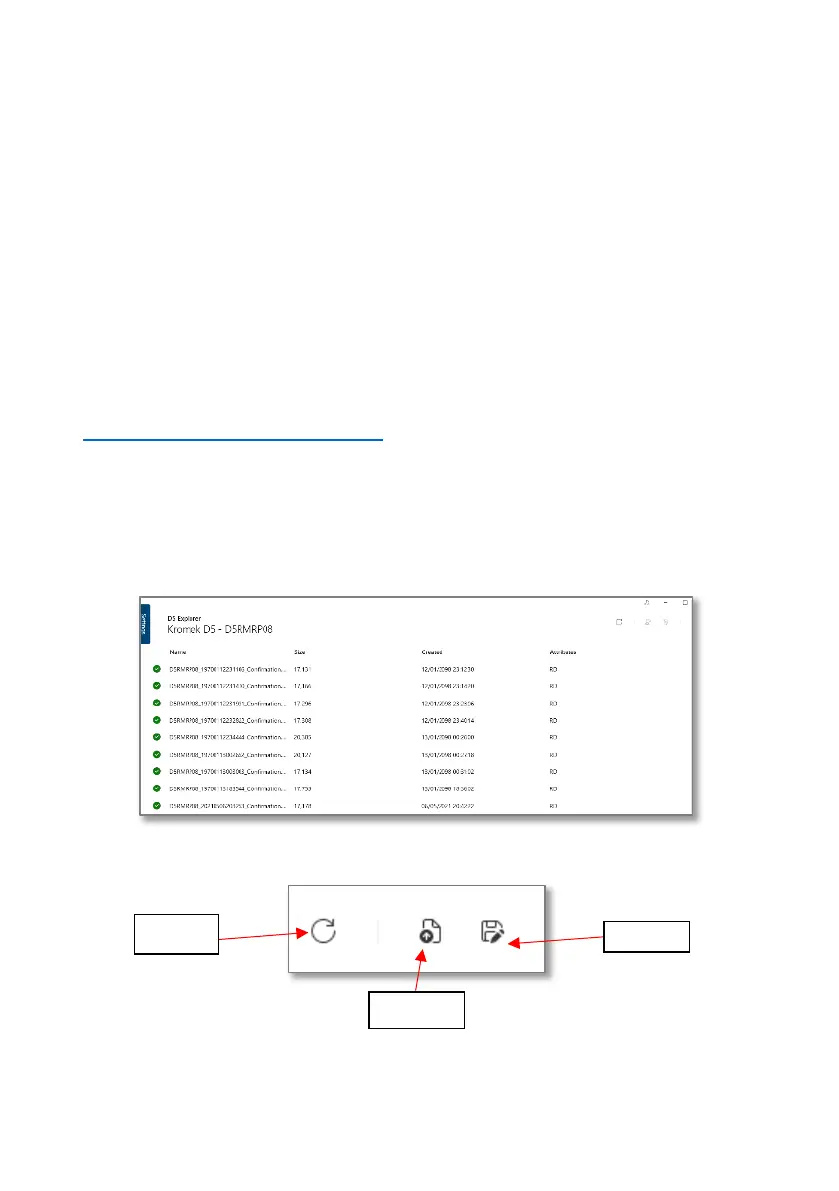
When the devise is selected from the settings tab, the files will automatically begin
to upload. Successful uploads are indicated by a green check mark. All files
currently on the connected D5 RIID will be uploaded. File names show the device
serial number followed by the date and time.
Individual files can be selected and actioned. A user can choose to open a file or
save a file. All the files can also be reloaded from the device.



 To Next Page