MAL-OPS-1026 v3 67
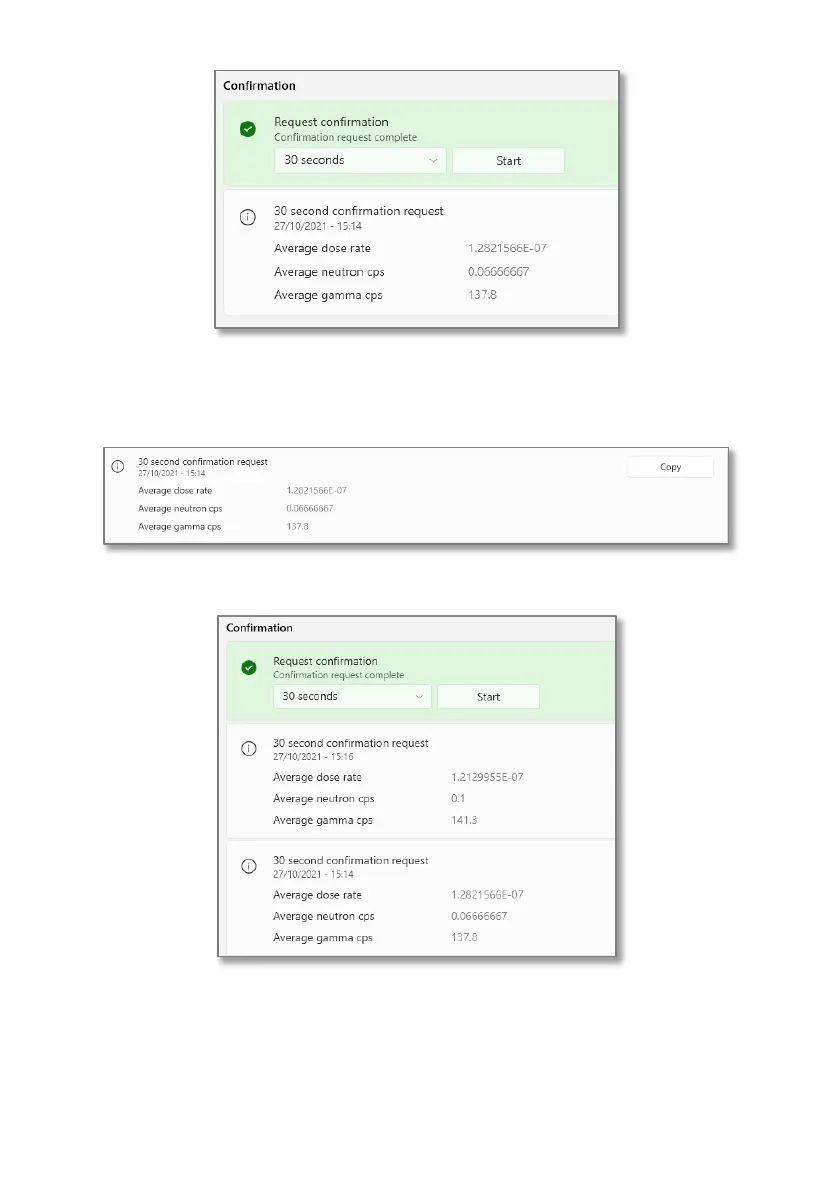
A user can copy the data associated with the scan, by clicking the “copy” button.
This allows the user to paste the data, for example average dose rate, average
neutron counts per second and average gamma counts per second, into a format
Multiple readings are shown on the screen, with the most recent reading at the
top of the list.
All files can then be extracted from the D% RIID using the D5 Explorer App, as per
Section 13.



 To Next Page