MAL-OPS-1026 v3 50
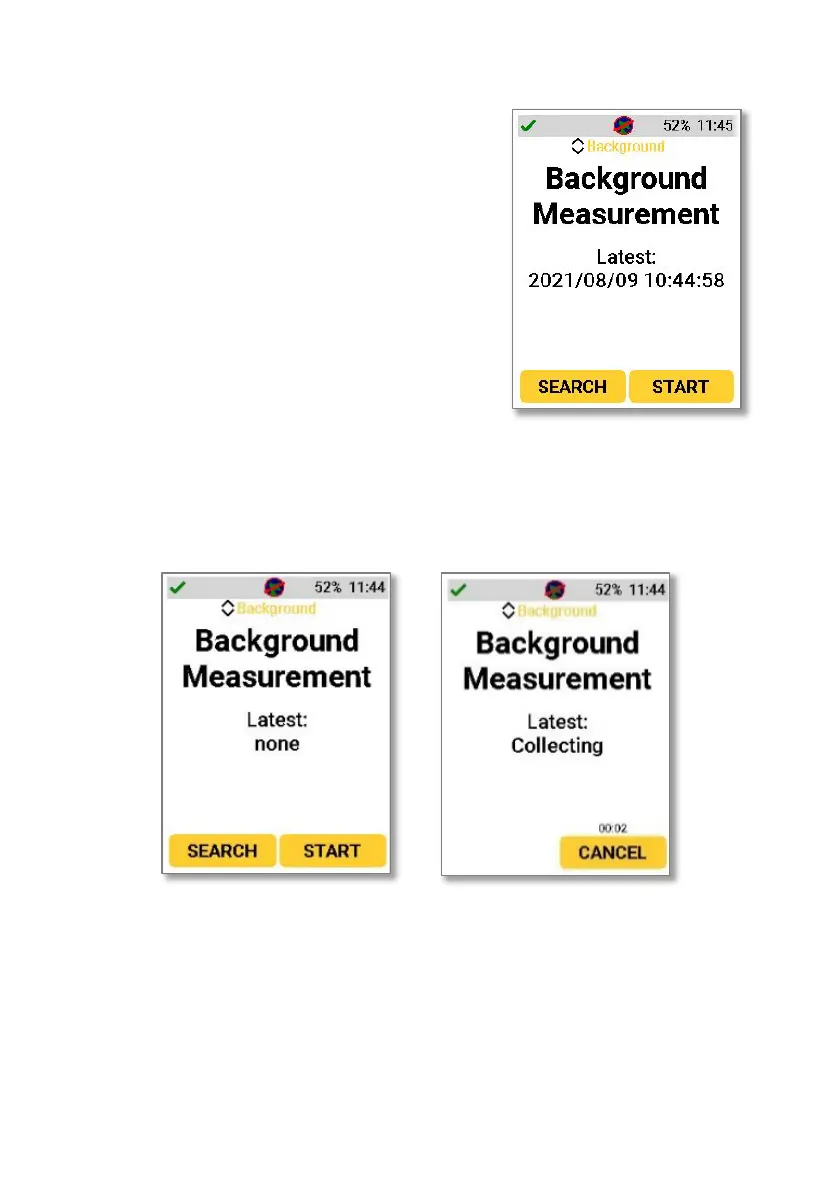
A user can choose to take a background
scan or view the most recent background
scan using the background function. This is
accessed by pressing either the up or
down navigation key when in Search
Mode or Confirmation Mode. The setting
should be navigated to using the up and
down buttons and selected.
The date of the latest background will be
shown if available. “None” will be shown if
no background has been taken. Pressing
start will begin a background scan.
Stored gamma background is only used
when saving ANSI N42.42 files and is not
used as the basis for any alarm described
in this manual.



 To Next Page