MAL-OPS-1026 v3 30
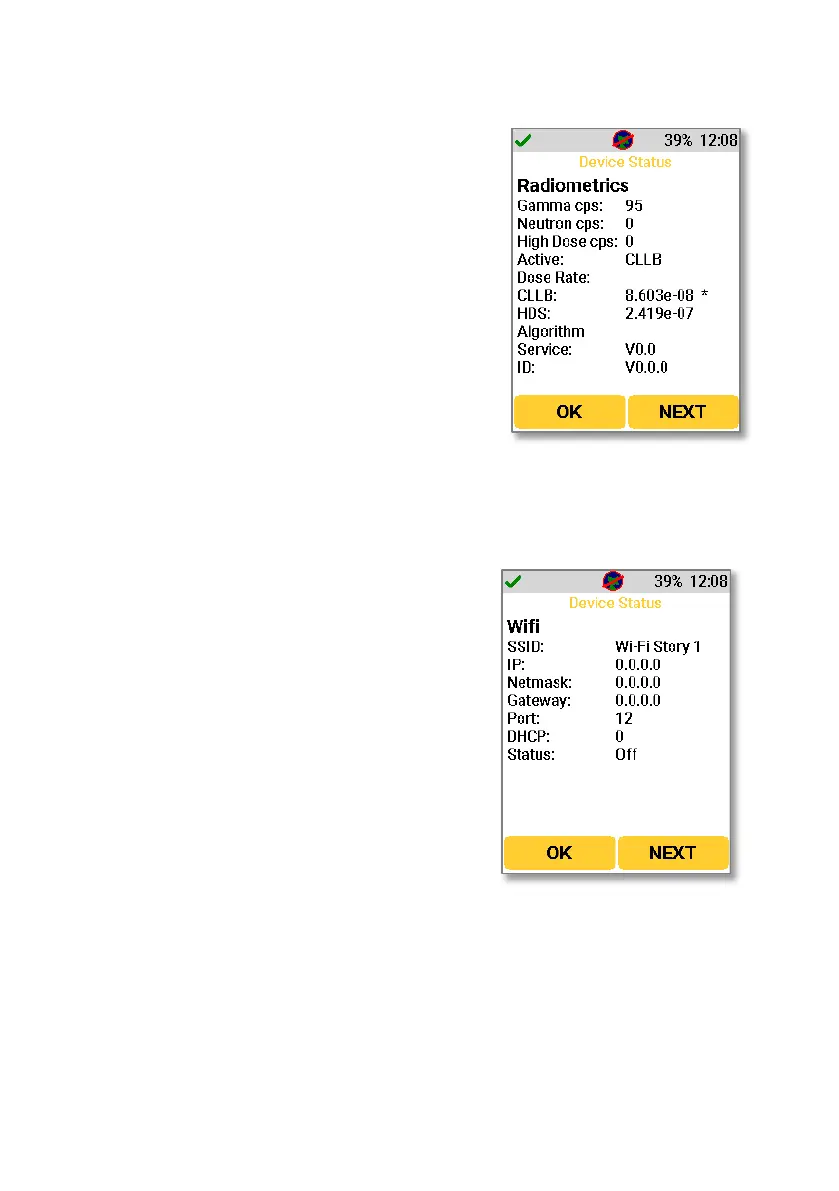
Pressing “Next” from the GPS screen shows the radiometric information.
Gamma cps: Shows the current gamma counts
per second.
Neutron cps: Shows the current neutron counts
per second.
High dose cps: Shows the counts per second
which are being recognised by the high dose
sensor.
Active: Shows the active detector material as
CLLBC.
CLLB: Shows the dose rate currently being
experienced by the CLLBC detector material.
HDS: Shows the dose rate currently being
experienced by the high dose sensor.
Algorithm: Shows information relating to the
Poisson Clutter Split algorithm.
SSID: The name of the WiFi network.
IP: The network IP address.
Netmask: The network netmask.
Gateway: The network gateway.
Port: The set port.
DHCP: The network DHCP.
Status: The current status of WiFi connection.
The following options are available for status:
“Active” status indicates a successful WiFi
connection when the device is also
connected to something on the network. A
green WiFi icon will also be shown in the
top bar.
“Listening” status indicates that the device
is connected to the WiFi network but does
not have an active connection with any
other device on that network. A blue WiFi
icon will also be shown in the top bar.
“Initialising” status indicates that the
device is attempting to connect to a WiFi



 To Next Page