MAL-OPS-1026 v3 26
maximum neutron and maximum dose levels recorded while that alarm was
active.
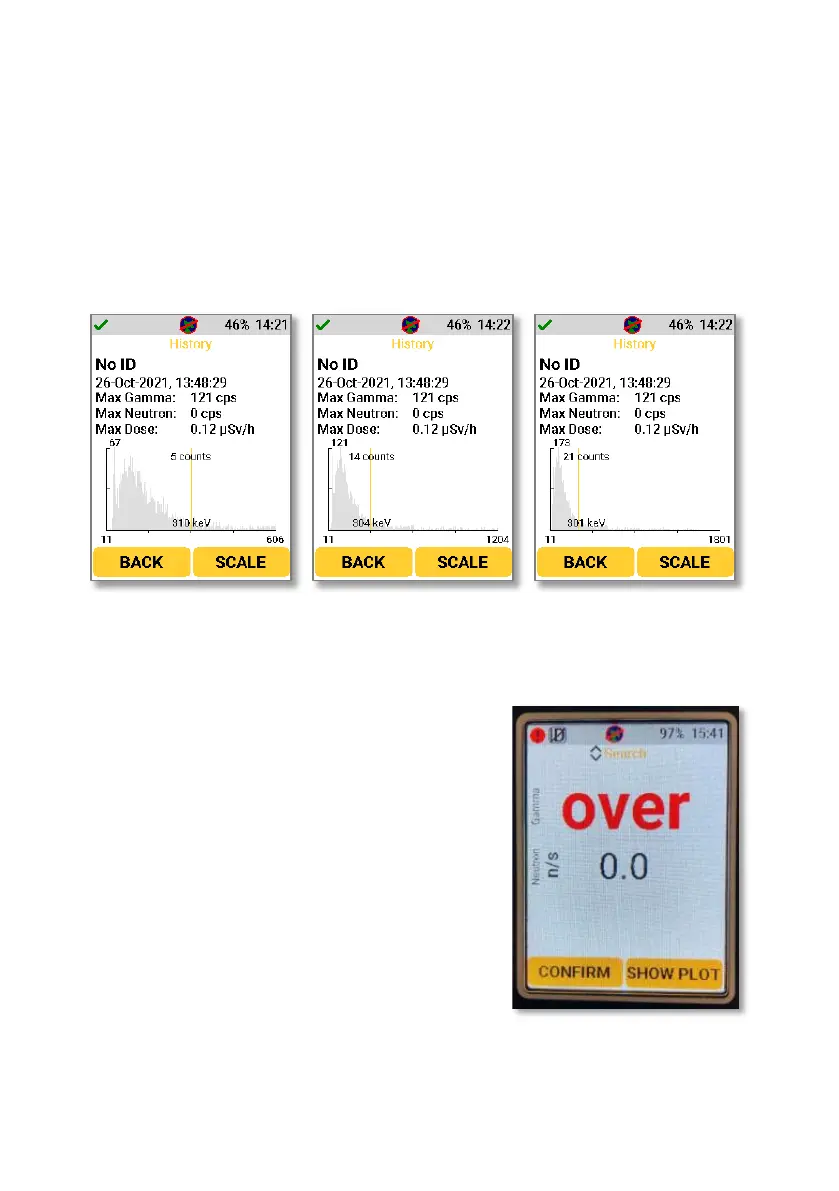
The alarm description also has an overview of the spectra collected during both
Search Mode and Confirmation Mode. This can be accessed by selecting any
history entry. This is a quick inspection tool. Further analysis would require file
extraction of the ANSI N42.42 file (as described in Section 13). The graph shows
counts per second on the y-axis and energy on the x-axis. Using the right-hand
button to select “scale” will move the screen to the next energy range, so that all
energies can be easily viewed.
The up and down arrow keys are used to move the cursor shown in yellow on the
spectrum. This allows the exact counts at different energies to be viewed.
If the D5 RIID encounters radiation levels which
are beyond the stated maximum levels, then an
over range alarm will appear on the screen. If
this happens, the gamma dose rate on both
search mode and confirmation mode will be
obscured by the word “over” displayed as red
text.



 To Next Page