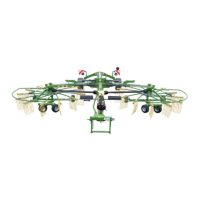
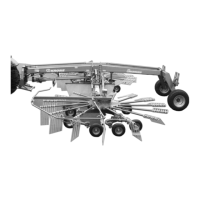
Control and Display Elements
45
Pos: 26.1 /Überschri ften/Überschri ften 1/A-E/Bedien- und Anzei geelemente @ 107\mod_1 334231983896_78.d ocx @ 965285 @ 1 @ 1
6 Control and Display Elements
Pos: 26.2 /BA/Maschi nenbeschreibung/Sc hwader/Funktionsüb ersicht Standard - 1x EW, 1x DW + 1 DW Steuergerät_Swadro TC 680_TC 760 @ 504\mod_14987308 58559_78.docx @ 3474525 @ @ 1
The following table shows the functions on the machine (depending on machine version)
Function Description
Crank at left rotor • Increase or reduce the working height of the left rotor.
Crank at right rotor • Increase or reduce the working height of the right rotor.
Single-action control unit
(red 1+)
From transport position to working position:
• Pull the operating cable and keep it under tension.
• Float position (red 1+): Lowers the machine from
transport position to working position.
Headland position:
• Pressure (red 1+): Raises the machine from working
position to headland position.
• Float position (red 1+): Lowers the machine from
headland position to working position.
From working position to transport position:
• Switch off PTO drive.
• Pull the operating cable and keep it under tension.
• Pressure (red 1+): Raises the machine from working
position to transport position.
Double-acting control unit
(blue 2+/ blue 2-)
For the version with “hydraulic working width
adjustment”
For “Plus” version
Increasing the working width
• Pressure (blue 2+): Increase the working width.
Reducing the working width
• Pressure (blue 2+): Reduce the working width.
Double-acting control unit
(blue)
For version with “additional rotor”
• In order to drive the additional rotor, actuate the double-
acting control unit (blue).
Pos: 26.3 /Layout Module /---------------Seitenumbruch---------------- @ 0\mod_119617531122 6_0.docx @ 4165 @ @ 1



 To Next Page
 Loading...