3. INSTALLATION
20
3-7. FITTING THE SAW BLADE
Procedure for fitting or replacing the saw blade is as follows:
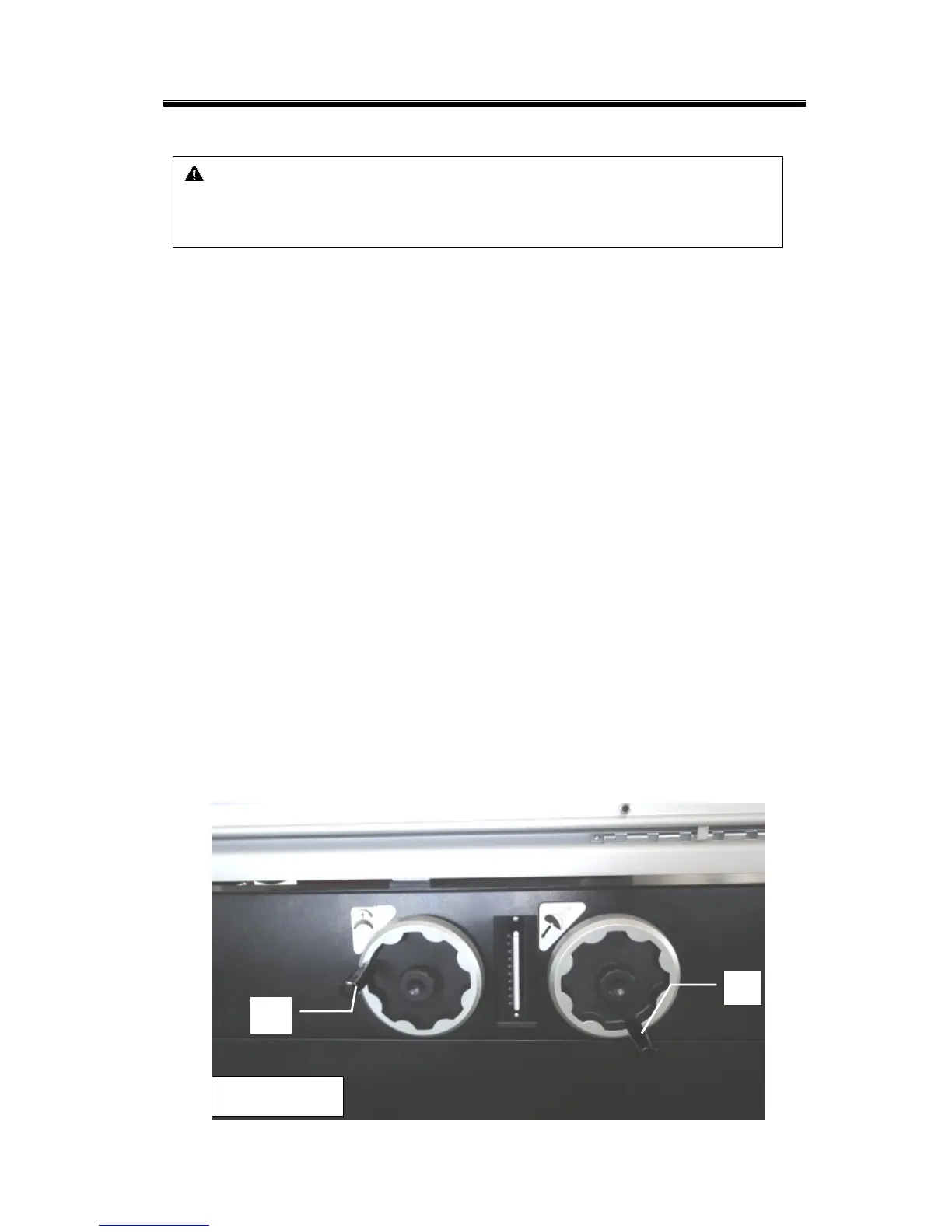
1. Set the saw unit in 0 degree by turning hand wheel A (Fig.3-7.1). , and lock knob.
2. Rise up the main saw blade by turning knob B (F
ig. 3-7.1) clockwise
3. Press the emergency button
4. Move the sliding table totally to the left and push the handle J (Fig. 3-7.2c) to the
2
nd
stop before reach the 1
st
stop.
5. Open the blade protect guard -red cover C (Fig. 3-7.2) by pulling D (Fig. 3-7.2a) on
both sides of it.
6. Press the button in hole E (Fig. 3-7.2b) with thumb for locking the spindle, at the
same time, use wrench to loose the screws F &washer I (Fig. 3-7.2b), remove
flange G (Fig.3-8.2b) then remove the red plate (Fig. 3-7.2b)
Note1: Continually press the button until the screw is loosen.
Note2: Before fitting the saw blade, make sure that the flange G (Fig.3-7.2b) is clean
to avoid vibrations when the saw blade is rotating
7. Fit the saw blade and flange G (Fig.3-7.2b) then press button in hole E (Fig. 3-7.3a)
with thumb for locking the spindle, at the same time, tight washer I & screw J
(Fig. 3-7.3) to fix the saw blade.
※ Notice:
During the operation, pay attention on the saw unit.
Pay attention when the blade guard is open, always clo
se it and make sure
no one around before you move your sliding table back.
CAUTION
1. Handle the saw blade with gloves.
2. Open blade protect guard before install the saw blade
Figure 3-7.1



 To Next Page