■
F. Calibration
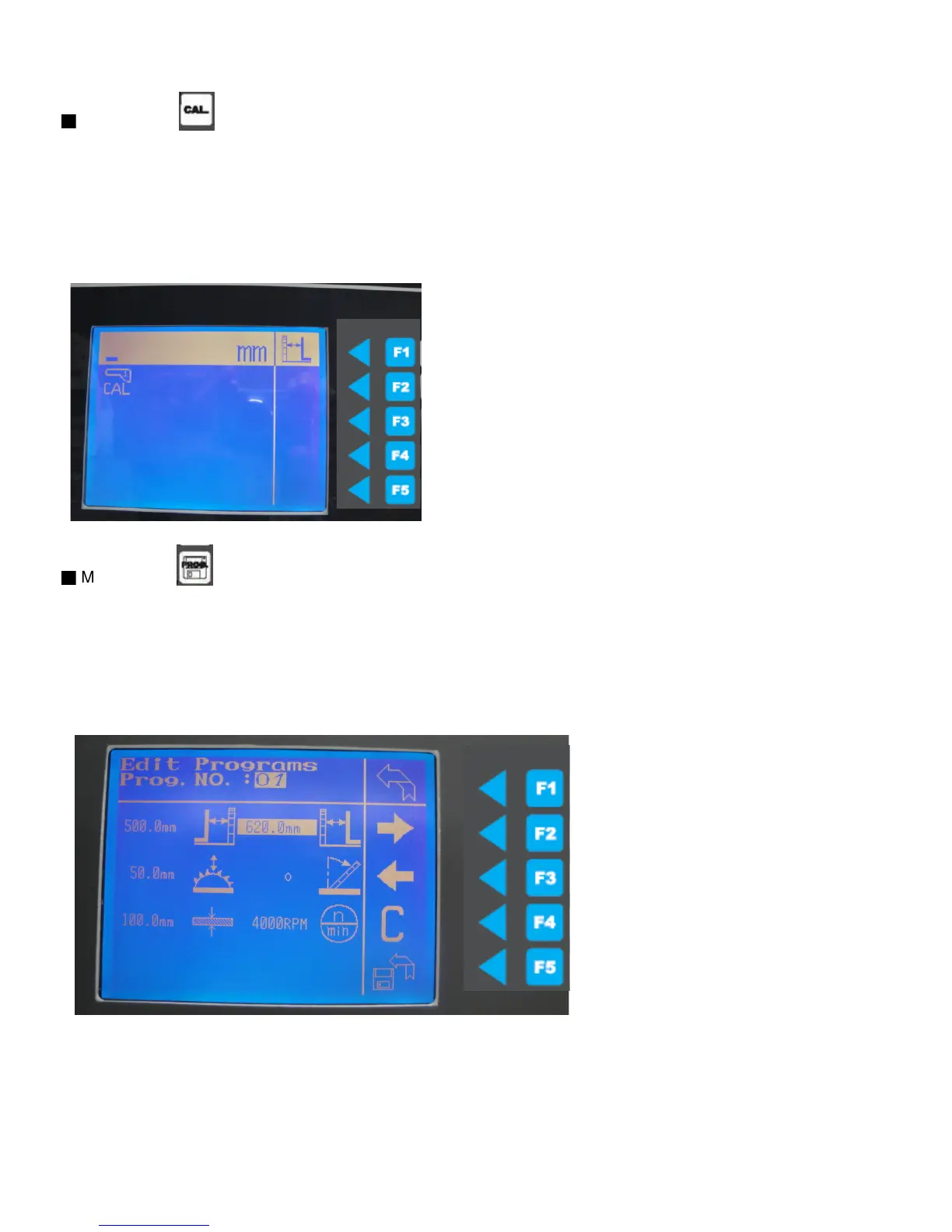
Measure the width of the cut test piece with calipers to check if the size match with the screen display.
Press the function key for more than 3 sec. ,after highlight appears in the dimension display.
Ex. If the cut piece measure size is 901 and screen show 900mm, after function key input 901mm to re-set.
Enter the measured dimension using the numeric keypad press the function key
For 3 sec. To confirm the input.
Press F1 to back to main menu .
■
M. Programs
(this is a back up function, the data base right now only rip fence length can be move automatic, the rest
can input but is manual, need to manual measure size and input the database
Press the function key. To select the different program. (can input 40 programs)
Press F4 to create new program, after create press F5 to save the database.
Press F2 to move to next input, press F3 to backward, Press F5 to save database.
Press F1 to back to main menu .
48



 To Next Page