■
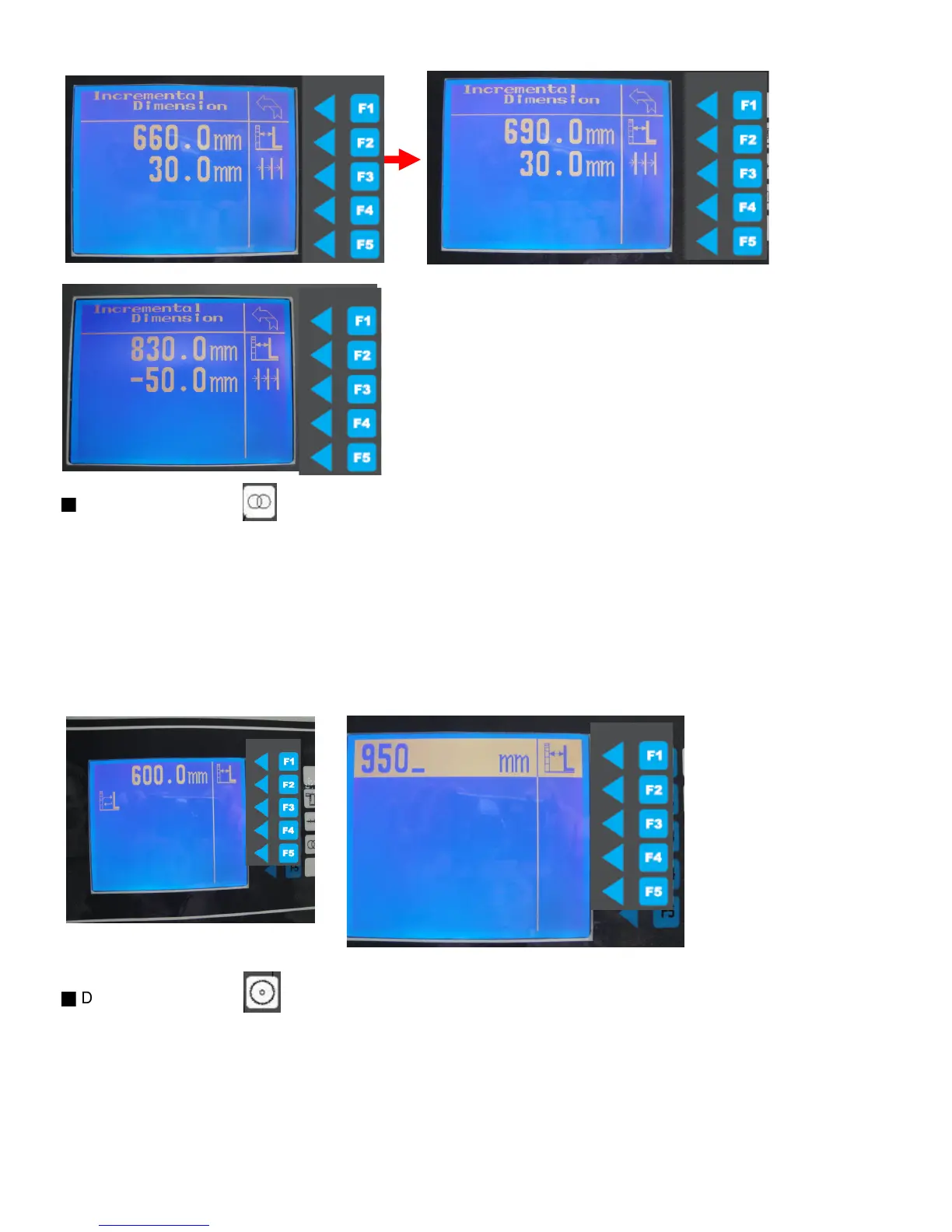
C. Dimension repeat
1. Press function key (the rip fence will memories the last two position if any)
2. Input the first position Ex. 600mm when highlight appears, press the start key to move, save the position,
3. Input the second position Ex. 960mm when highlight appears, press the start key to move
and save the position.
Press function key twice or press function key and start key to move in between to position.
(**it can only repeat two position, you need to click function key than start key each time
or double click to travel in between two position).
Press F1 to back to main menu .
■
D. Blade management
1. Press the function key to input or edit the blade diameter and thickness.
2. Use F2/F3 to scroll up and down to select, Press F4 to amend or to create the new
3. After input blade data base press F1 to save memory and to back to main menu.
4. To edit the tool, press F2 to input blade dimension when highlight appear, press F2 again to save
5. Press F3 to input the thickness of the blade press F3 to save.
46
Direct press
the numeral
keypad to
Input the
database
press start
key to save



 To Next Page