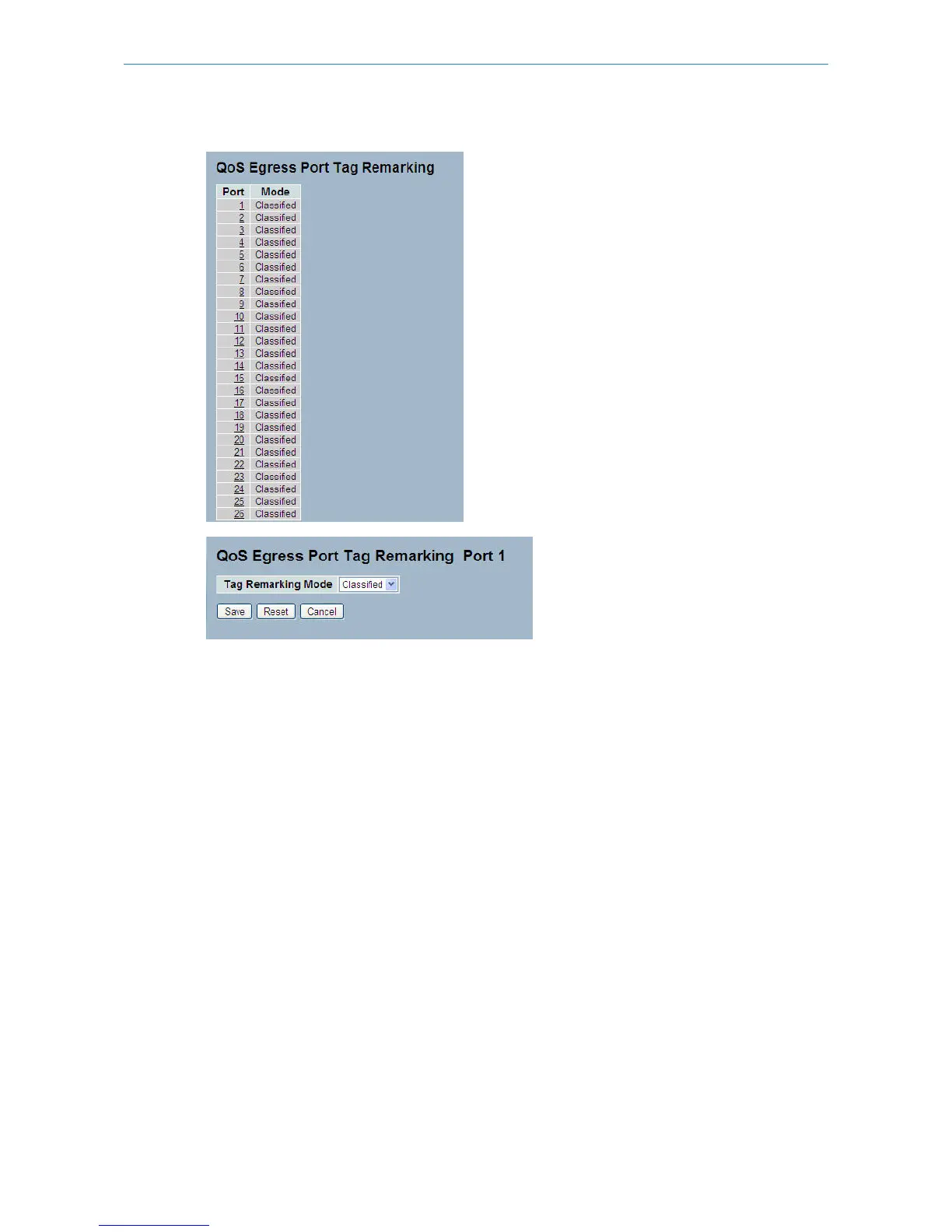
Figure 3-14.5: The Port Tag Remarking
Parameter description:
Port:
The logical port for the settings contained in the same row. Click on the port number in order to configure tag remarking.
Mode:
Shows the tag remarking mode for this port.
Classified: Use classified PCP/DEI values.
Default: Use default PCP/DEI values.
Mapped: Use mapped versions of QoS class and DP level.
Tag Remarking Mode:
To scroll to select the tag remarking mode for this port.
Classified: Use classified PCP/DEI values.
Default: Use default PCP/DEI values.
Mapped: Use mapped versions of QoS class and DP level.
Buttons:
Save – Click to save changes.
Reset – Click to undo any changes made locally and revert to previously saved values.
Cancel – Click to cancel the changes.
110
LANCOM GS-2310P/GS-2326(P) User Manual
3 Configuration



 To Next Page