Controls the weight for this queue. The default value is "17". This value is restricted to 1-100. This parameter is only
shown if "Scheduler Mode" is set to "Weighted".
Queue Scheduler Percent:
Shows the weight in percent for this queue. This parameter is only shown if "Scheduler Mode" is set to "Weighted"
Port Shaper Enable:
Controls whether the port shaper is enabled for this switch port.
Port Shaper Rate:
Controls the rate for the port shaper. The default value is ?. This value is restricted to ?-1000000 when the "Unit" is
"kbps", and it is restricted to 1-? when the "Unit" is "Mbps".
Port Shaper Unit:
Controls the unit of measure for the port shaper rate as "kbps" or "Mbps". The default value is "kbps".
Buttons:
Save – Click to save changes.
Reset – Click to undo any changes made locally and revert to previously saved values.
3.14.4 Port Shaping
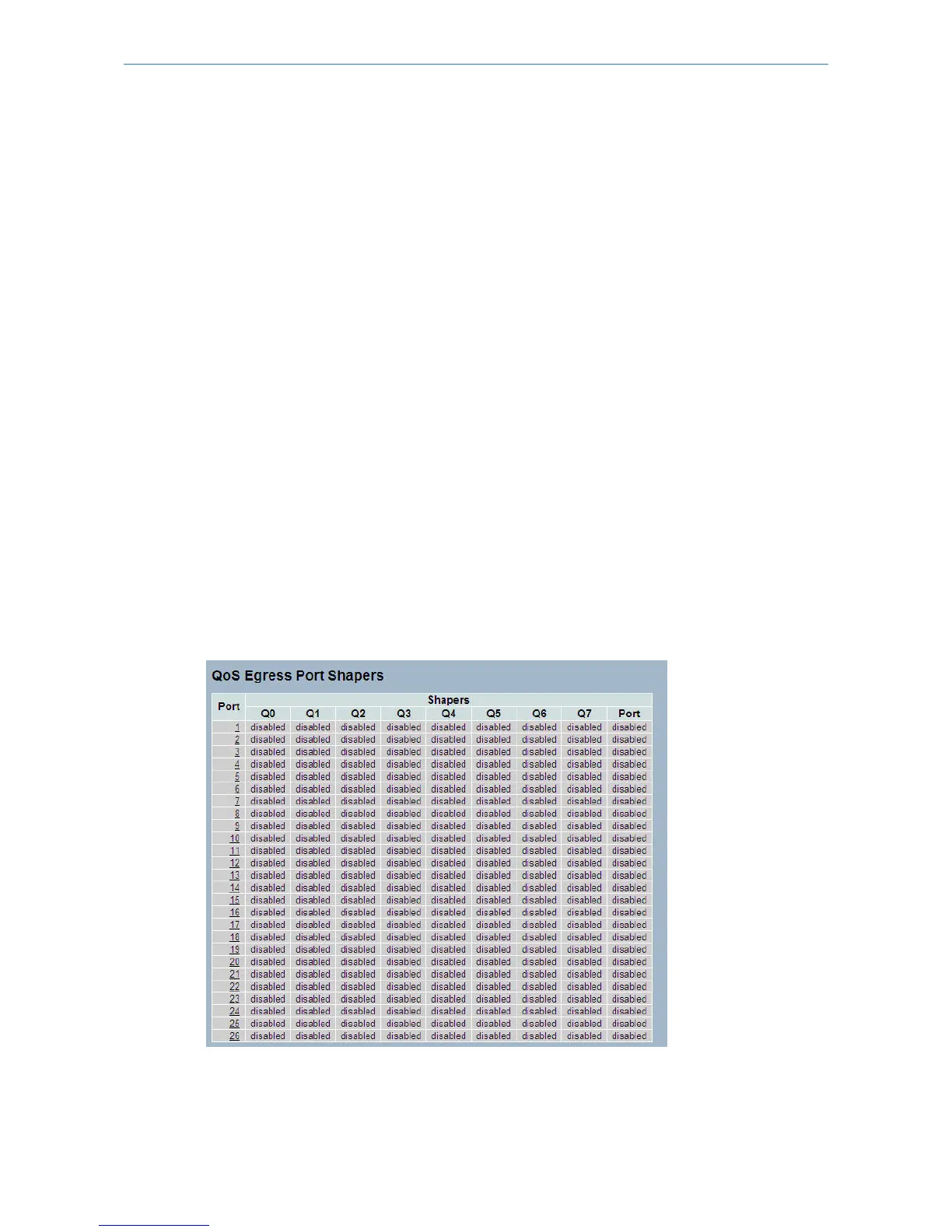
This section provides an overview of QoS Egress Port Shaping for all switch ports. It offers all detail information of the
ports belonging to the currently selected unit, as reflected by the page header.
Web Interface
To display the QoS Port Shapers in the web interface:
1. Click Configuration, QoS, Port Shapers
Figure 3-14.4: The QoS Egress Port Shapers
107
LANCOM GS-2310P/GS-2326(P) User Manual
3 Configuration



 To Next Page