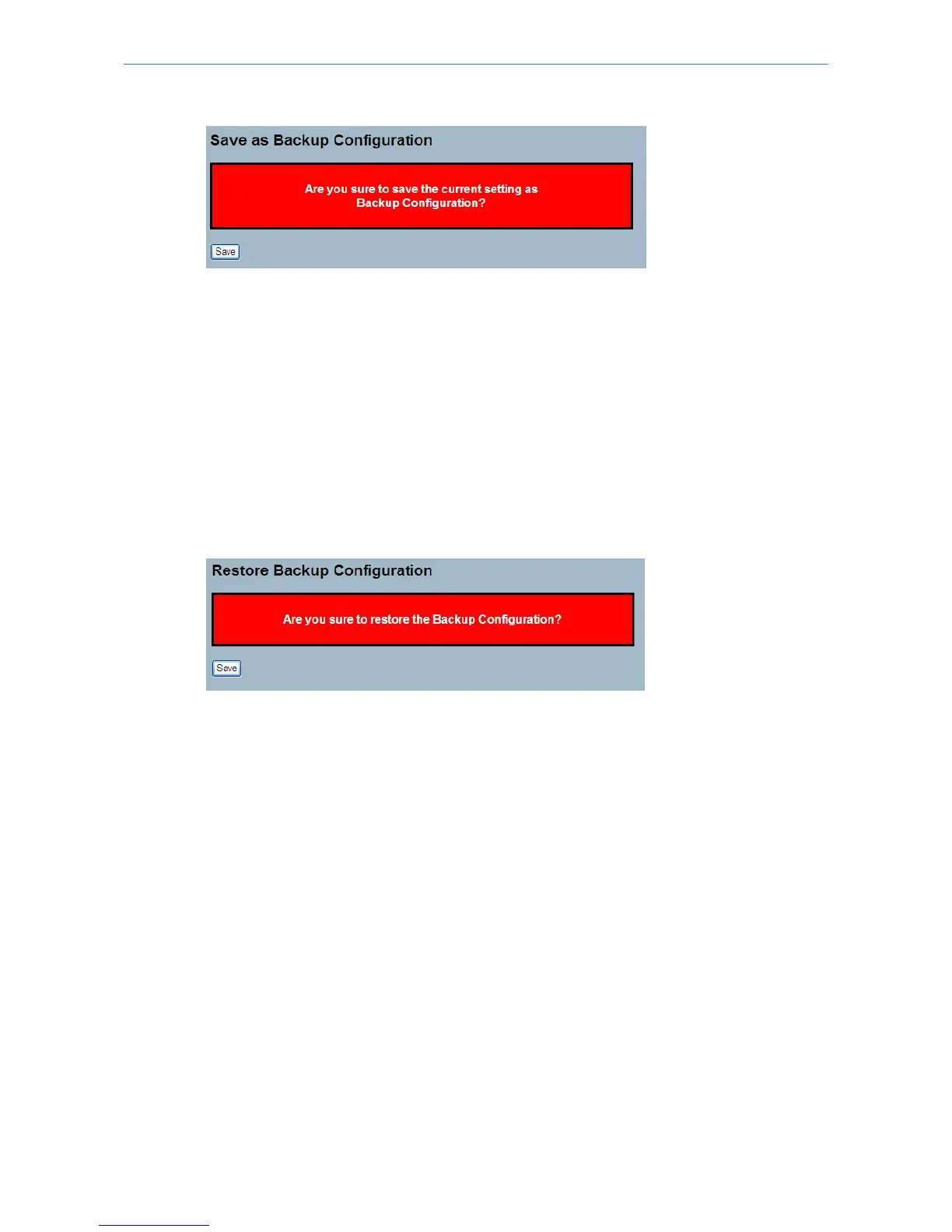
Parameter description:
Buttons:
Save – Click to save current settings as Backup Configuration.
6.3.4 Restore User
This section describes how to restore users information back to the switch.
Web Interface
To restore a User configuration in the web interface:
1. Click "Restore User".
2. Click "Yes".
Figure 6-3.4: Restore the Backup Configuration
Parameter description:
Buttons:
Save – Click to restore the Backup Configuration to the switch.
6.4 Export / Import
This section describes how to export and import the Switch configuration. Any current configuration file will be exported
in XML format.
6.4.1 Export Config
This section describes how to export the Switch Configuration for maintenance needs. Any current configuration file will
be exported in XML format.
Web Interface
To export a configuration through the web interface:
1. Click "Save configuration".
2. Save the file to your device.
200
LANCOM GS-2310P/GS-2326(P) User Manual
6 Maintenance



 To Next Page