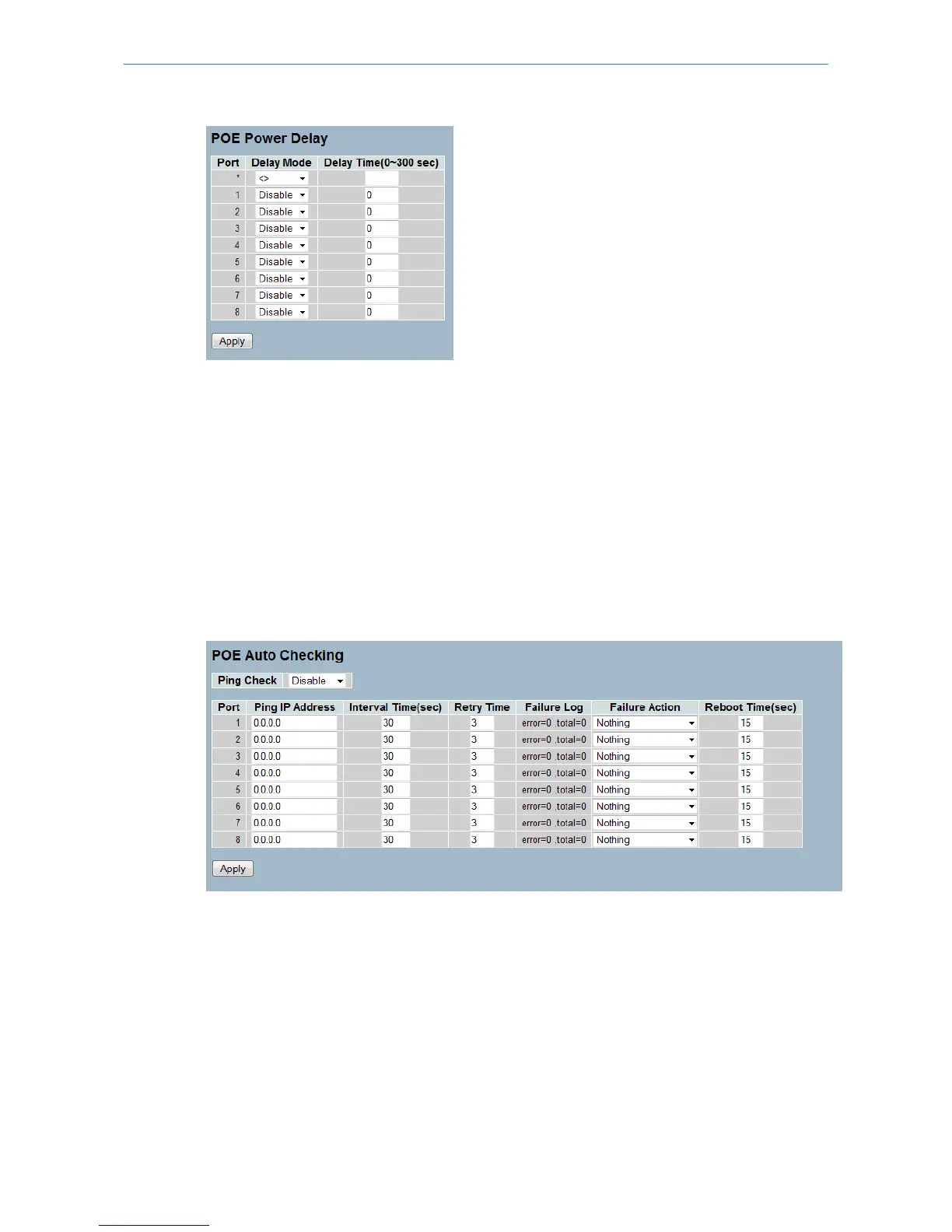
Parameter description:
Port: The logical port number for this row.
Delay Mode: Enable or disable the power delay function.
Delay Time: Period until the PoE port starts providing power to the PD.
Buttons:
Apply – Apply changes.
3.15.4 Auto Checking
This page allows the user to specify the auto detection parameters to check the linking status between PoE ports and
PDs. When the system detects a connection failure, it will reboot remote devices automatically.
Figure 3-15.4: The PoE Auto Checking
Parameter description:
Ping Check: Enable the ping check function to detect the connection between PoE port and powered device.
Port: The logical port number for this row.
Ping IP Address: The PD's IP address to which the system should ping. '0.0.0.0' disables the function.
Interval Time: The period between checking messages sent to the PD by the system. The interval time range is 10 to 120
seconds.
Retry Time: The Number of times the system retries to ping the PD. After the last time, it will trigger failure action. The
retry time range is 1 to 5 times.
123
LANCOM GS-2310P/GS-2326(P) User Manual
3 Configuration



 To Next Page