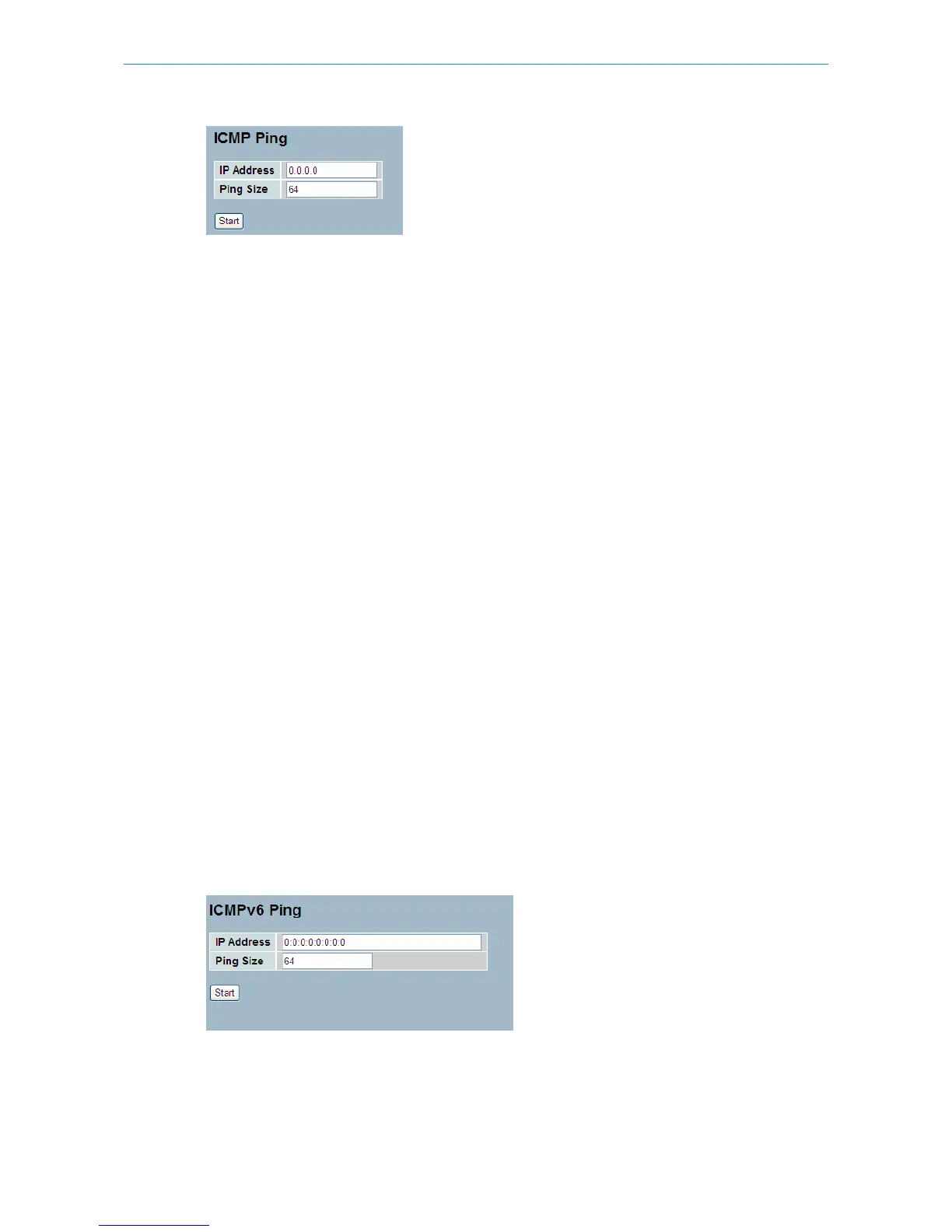
Parameter description:
IP Address:
The IP Address of the device to ping.
Ping Size:
The size of the ICMP Packet being sent.
Start:
Click the “Start” button, the switch will start to ping the device using the set ICMP packet size.
Once you pressed "Start", 5 ICMP packets are transmitted, and the sequence number and roundtrip time are displayed
upon reception of a reply. The page refreshes automatically until responses to all packets are received, or until a timeout
occurs.
PING server::10.10.132.20
64 bytes from::10.10.132.20: icmp_seq=0, time=0ms
64 bytes from::10.10.132.20: icmp_seq=1, time=0ms
64 bytes from::10.10.132.20: icmp_seq=2, time=0ms
64 bytes from::10.10.132.20: icmp_seq=3, time=0ms
64 bytes from::10.10.132.20: icmp_seq=4, time=0ms
Sent 5 packets, received 5 OK, 0 bad
6.5.2 Ping6
This section allows you to issue ICMPv6 PING packets to troubleshoot IPv6 connectivity issues.
Web Interface
To use ICMPv6 PING in the web interface:
1.Specify the IP Address.
2.Specify the PING Size.
3.Click Start.
Figure 6-5.2: The ICMPv6 Ping
Parameter description:
IP Address:
203
LANCOM GS-2310P/GS-2326(P) User Manual
6 Maintenance



 To Next Page