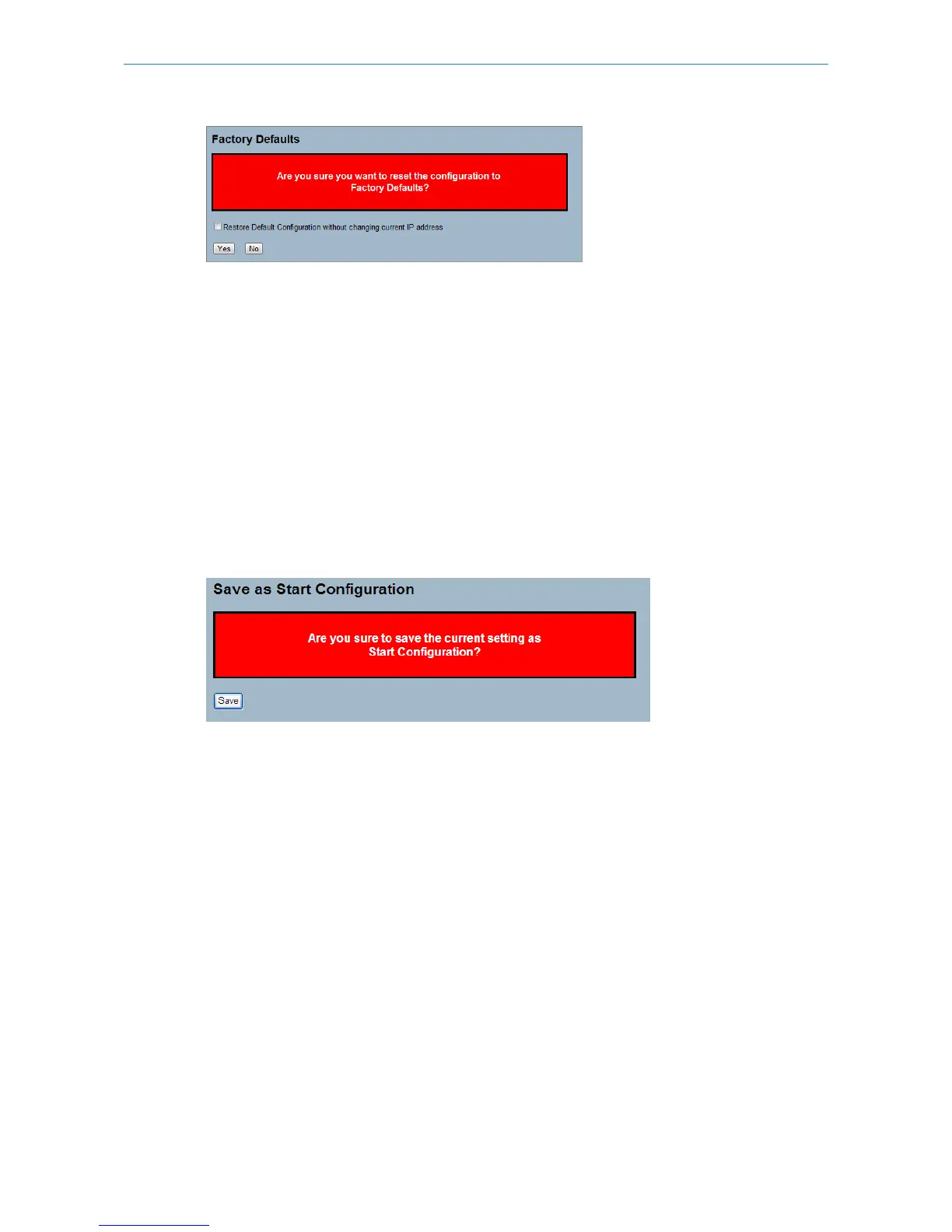
Parameter description:
Buttons:
Yes – Click to reset the configuration to Factory Defaults.
No – Click to return to the Port State page without resetting the configuration.
6.3.2 Save Start
This section describes how to save the Switch Start configuration.
Web Interface
To save a Start Configuration via the web interface:
1. Click "Save Start".
2. Click "Yes".
Figure 6-3.2: The Save as Start configuration
Parameter description:
Buttons:
Save – Click to save current configuration as Start Configuration.
6.3.3 Save User
This section describes how to save users information.
Web Interface
To save a User configuration in the web interface:
1. Click "Save User".
2. Click "Yes".
Figure 6-3.3: The Save as Backup Configuration
199
LANCOM GS-2310P/GS-2326(P) User Manual
6 Maintenance



 To Next Page