Source MAC address.
Auto-refresh:
Activate the auto-refresh to refresh the information automatically.
Refresh:
Refresh the Dynamic IP Source Guard Table manually.
|<<, >>:
Go to previous/next page or entry.
5.2 ARP Inspection
The section describes how to configure the ARP Inspection parameters of the switch.
5.2.1 Configuration
This section describes how to configure ARP Inspection including:
Mode (Enabled and Disabled)
Port (Enabled and Disabled)
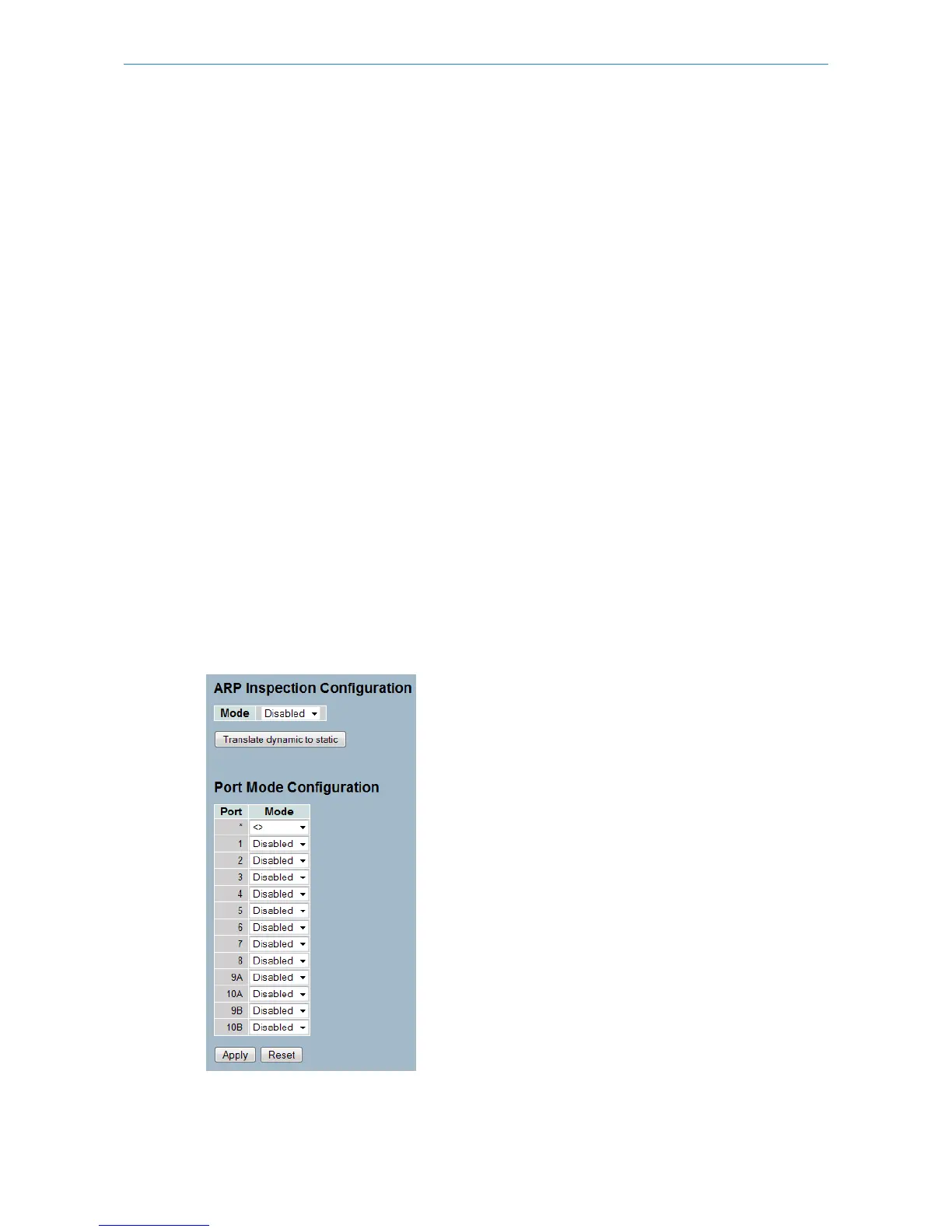
To configure ARP Inspection in the web interface:
1. Select “Enabled” in the Mode of ARP Inspection Configuration.
2. Select “Enabled” of the specific port in the Mode of Port Mode Configuration.
3. Click Apply.
Figure 5-2.1: The ARP Inspection Configuration (GS-2310P)
Parameter description:
163
LANCOM GS-2310P/GS-2326(P) User Manual
5 Security



 To Next Page