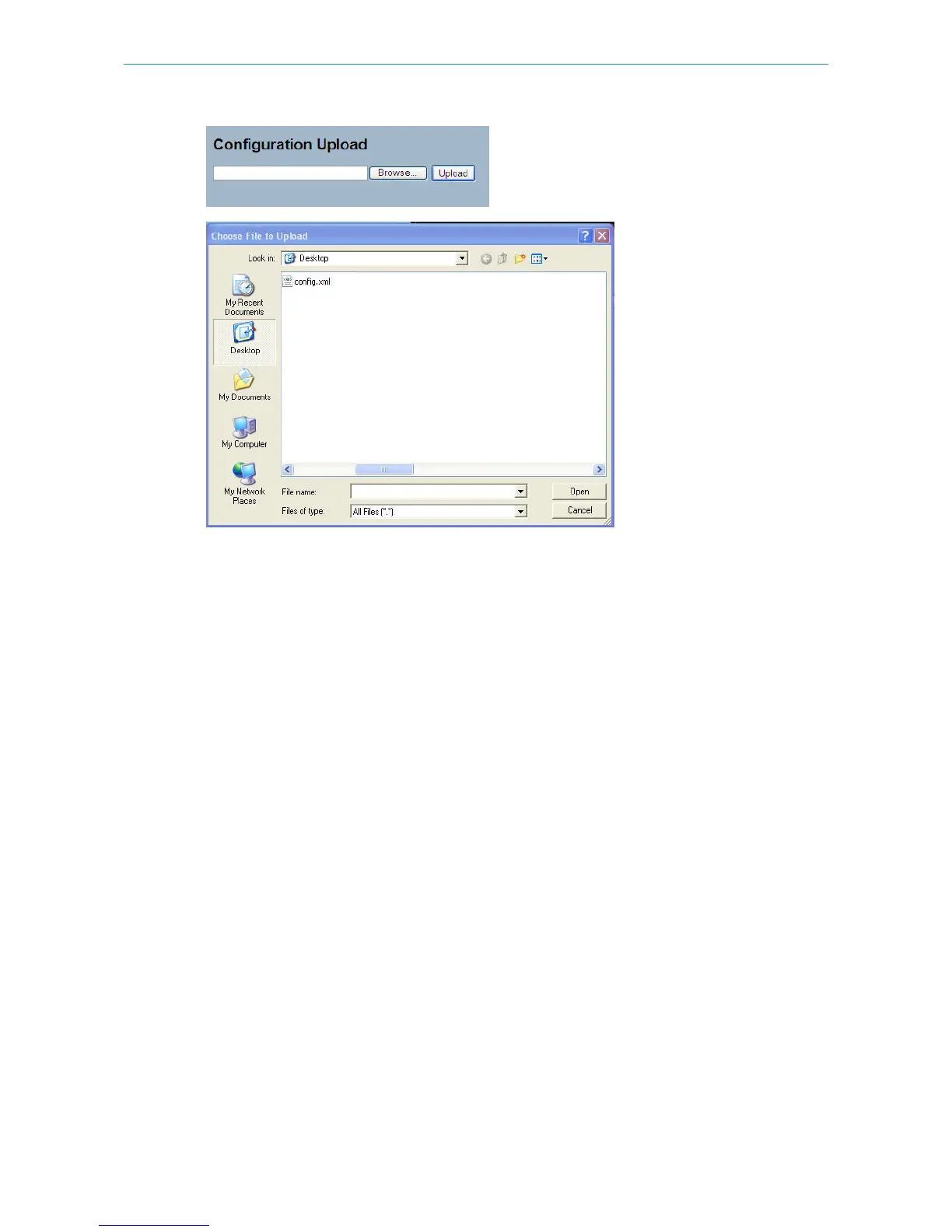
Parameter description:
Browse:
Click to search for the Configuration URL and filename.
Upload:
Click to upload the configuration from the specified location.
6.5 Diagnostics
This section provides a set for basic system diagnosis. It let users know that whether the system is healthy or needs to
be fixed. The basic system check includes ICMP Ping, ICMPv6, and VeriPHY Cable Diagnostics.
6.5.1 Ping
This section allows you to issue ICMP PING packets to troubleshoot IPv4 connectivity issues.
Web Interface
To use ICMP PING in the web interface:
1.Specify the IP Address.
2.Specify the Ping Size.
3.Click Start.
Figure 6-5.1: The ICMP Ping
202
LANCOM GS-2310P/GS-2326(P) User Manual
6 Maintenance



 To Next Page