3.7.2 Groups Information
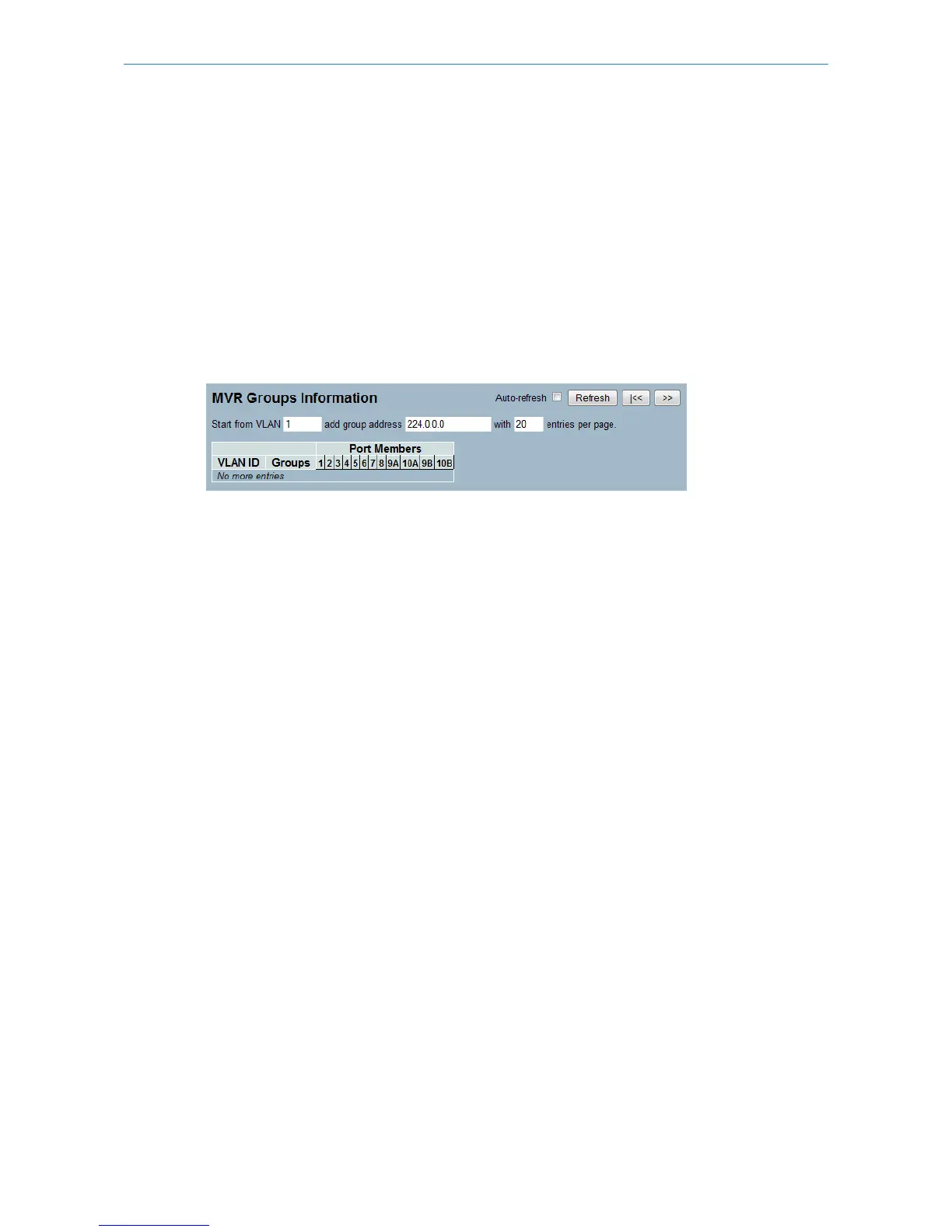
This section describes how to display the MVR Groups information. Entries in the MVR Group Table are shown on this
page. The MVR Group Table is sorted first by VLAN ID, and then by group
Web Interface
To display the MVR Groups Information in the web interface:
1. Click Configuration, MVR, Groups Information
2. If you want to auto-refresh the information then you need to activate “Auto-refresh”.
3. To Click the “Refresh“ to refresh a entry of the MVR Groups Information.
4. Click “<< or >>“ to move to previous or next entry.
Figure 3-7.2: The MVR Groups Information (GS-2310P)
Parameter description:
MVR Group Table Columns
VLAN ID:
VLAN ID of the group.
Groups:
Group ID of the group displayed.
Port Members:
Ports under this group.
Auto-refresh:
Activate the auto-refresh tto refresh the information automatically.
Refresh
Refresh the MVR Group information manually.
<<, >>
Go ot the previous/next page or entry.
3.7.3 Statistics
This section describes how to display the MVR detail Statistics after you configured MVR on the switch. It provides the
detailed MVR Statistics Information
Web Interface
To display the MVR Statistics Information in the web interface:
1. Click Configuration, MVR, Statistics
2. If you want to auto-refresh the information then you need to activate “Auto-refresh”.
3. To Click the “Refresh“ to refresh a entry of the MVR Statistics Information.
4. Click “<< or >>“ to move to previous or next entry.
60
LANCOM GS-2310P/GS-2326(P) User Manual
3 Configuration



 To Next Page