Reset – Click to undo any changes made locally and revert to previously saved values.
3.8.2 LLDP Neighbors
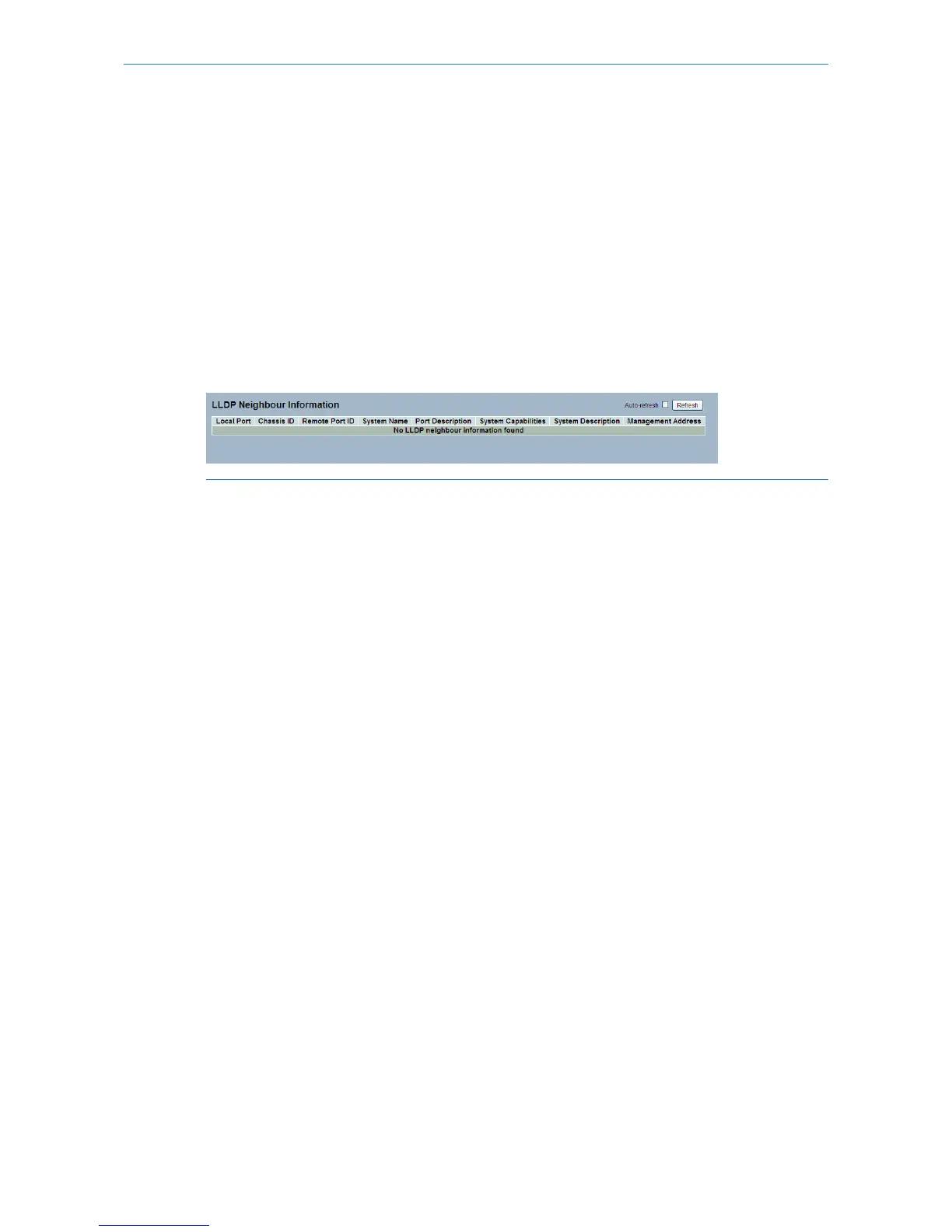
This page provides a status overview for all LLDP neighbors. The displayed table contains a row for each port on which
an LLDP neighbor is detected. The columns hold the following information:
Web Interface
To show LLDP neighbors:
1. Click LLDP Neighbors
2. Click Refresh for manual update web screen
3. Click Auto-refresh for auto-update web screen
Figure 3-8.2: The LLDP Neighbors information
5
If your network without any device supports LLDP then the table will show “No LLDP neighbor information
found”.
Parameter description:
Local Port:
The port on which the LLDP frame was received.
Chassis ID:
The Chassis ID is the identification of the neighbor’s LLDP frames.
Remote Port ID:
The Remote Port ID is the identification of the neighbor port.
System Name:
System Name is the name advertised by the neighbor unit.
Port Description:
Port Description is the port description advertised by the neighbor unit.
System Capabilities:
System Capabilities describes the neighbor unit's capabilities. The possible capabilities are:
1. Other
2. Repeater
3. Bridge
4. WLAN Access Point
5. Router
6. Telephone
7. DOCSIS cable device
8. Station only
9. Reserved
64
LANCOM GS-2310P/GS-2326(P) User Manual
3 Configuration



 To Next Page