Failure Log: Failure loggings counter.
Failure Action: The action which is taken after failed detection. Nothing: Keep pinging the remote device. Reboot Remote
PD: Turn off the power of the PoE port and reboot the PD.
Reboot Time: The period until the PoE port restores power after a reboot of the PD. The reboot time range is 3 to 120
seconds.
Buttons:
Apply – Apply changes.
3.15.5 Scheduling
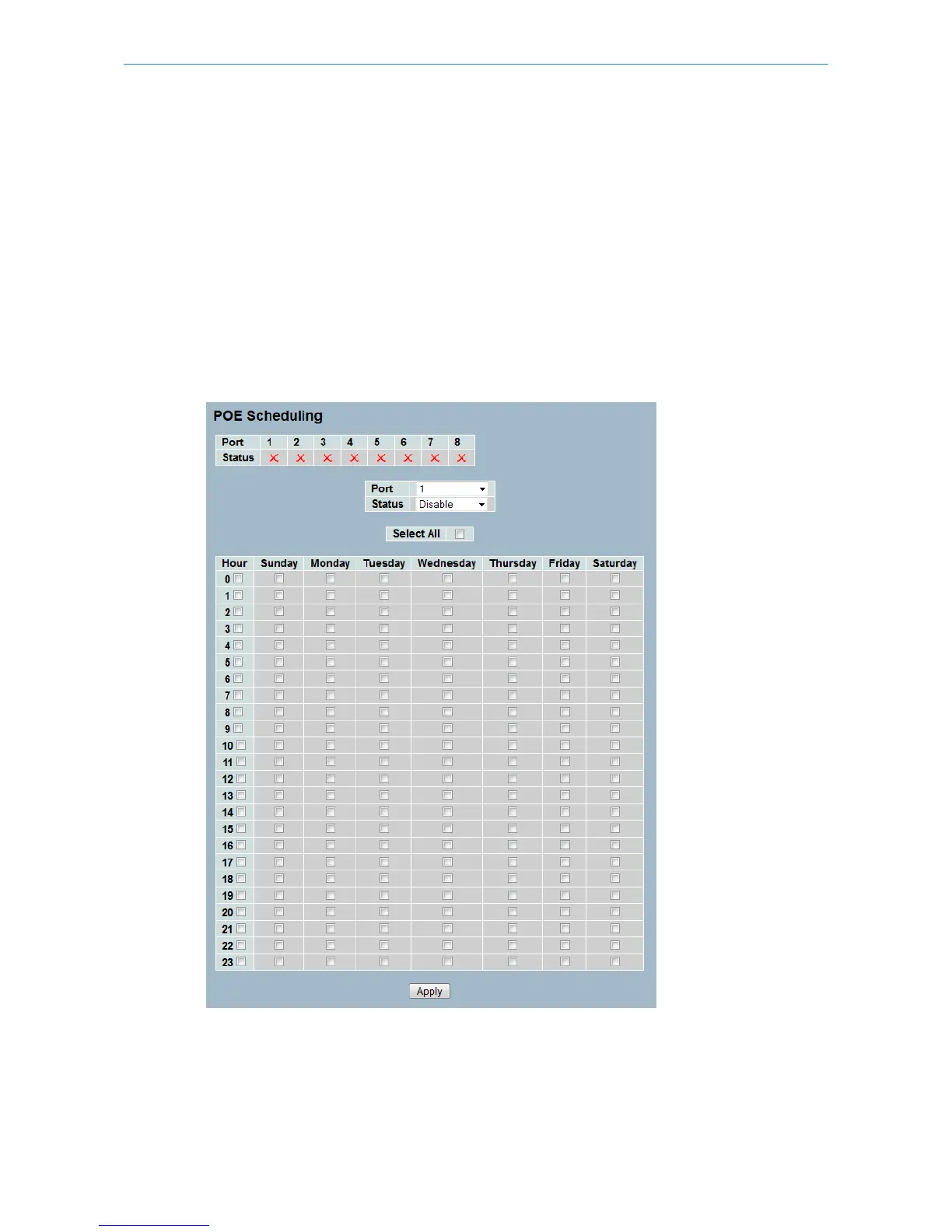
This page allows the user to make a schedule for the PoE power supply. Scheduling makes PoE management easier and
can help to save energy.
Figure 3-15.5: The PoE Scheduling
Parameter description:
Port: The logical port number.
Status: Enable or disable the PoE scheduling for the selected port.
124
LANCOM GS-2310P/GS-2326(P) User Manual
3 Configuration



 To Next Page